Filters, Multi-Select, Quick Task Editing, and More...
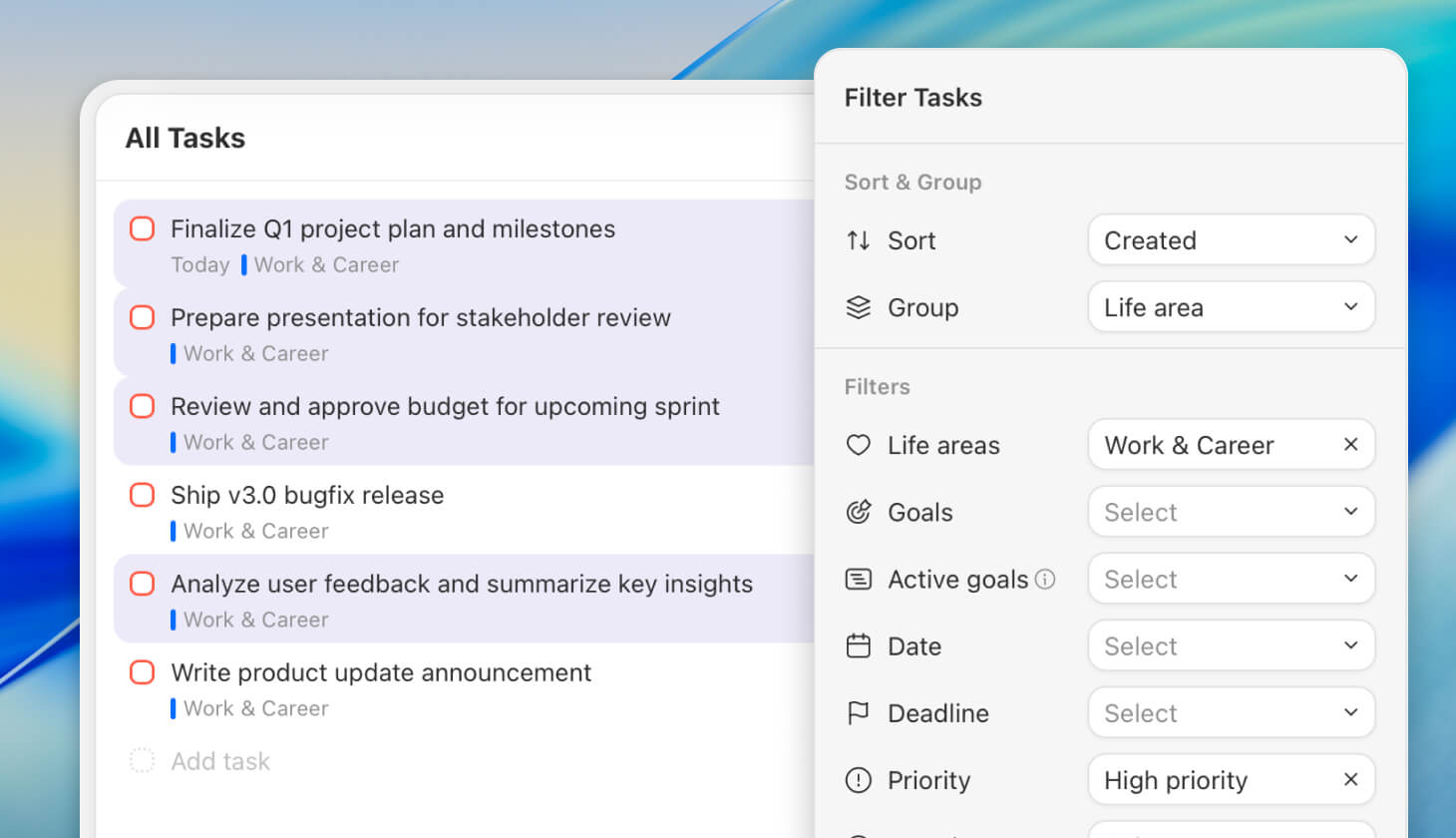
This release is all about speed, control, and clarity when working with tasks. We’ve expanded filtering, added powerful multi-select actions, and introduced faster ways to edit, schedule, and organize tasks using context menus and keyboard shortcuts. On top of that, the All Tasks view, tags, and goals overview have received major upgrades, making it easier to see what matters, act quickly, and keep everything structured as your planning grows.
Improvements
Quicker Task Editing
With new context menus and keyboard shortcuts.
Press SHIFT + 1 / 2 / 3 / 4 to set the priority of selected tasks.
Press SHIFT + T or OPT + SHIFT + T to schedule selected tasks for today or tomorrow.
Press G, D, T, etc. to quickly add tags or change dates for multiple tasks.
Navigate through context menus using the arrow up/down keys.
See all new shortcuts in the “Edit Tasks” section of the Keyboard Shortcuts article.
All Tasks Improvements
You can now change the grouping of the All Tasks list.
Filter and sort the All Tasks list. Learn more about the new filters.
Life Area Sections (iOS follows soon)
Create task sections inside a life area.
See tasks from all goals linked to the same life area.
Tag List Improvements
Reorder tasks inside tag lists.
Group, filter, and sort tasks inside tag lists.
Tags now show the task count in the main navigation.
Goals Improvements
Unfold main goals to see all subgoals.
Create a subgoal from the goal context menu (right-click).
Reorder subgoals from one goal to another.
Move to other goal is now also available for goals with subgoals.
Goal detail view: See tasks from all subgoals.
Goal detail view: See completed tasks.
Other Improvements
Favorited goals and life areas are now color-coded.
Goal timeline: Goal bars now snap to specific dates.
Goal timeline: Tooltips remain visible when dragging quickly.
Fixes
Added missing Spanish and German translations for push notifications.
iOS: Tapping a push notification now opens the task detail view.
Upcoming: Aligned ordering logic between desktop and iOS.
