
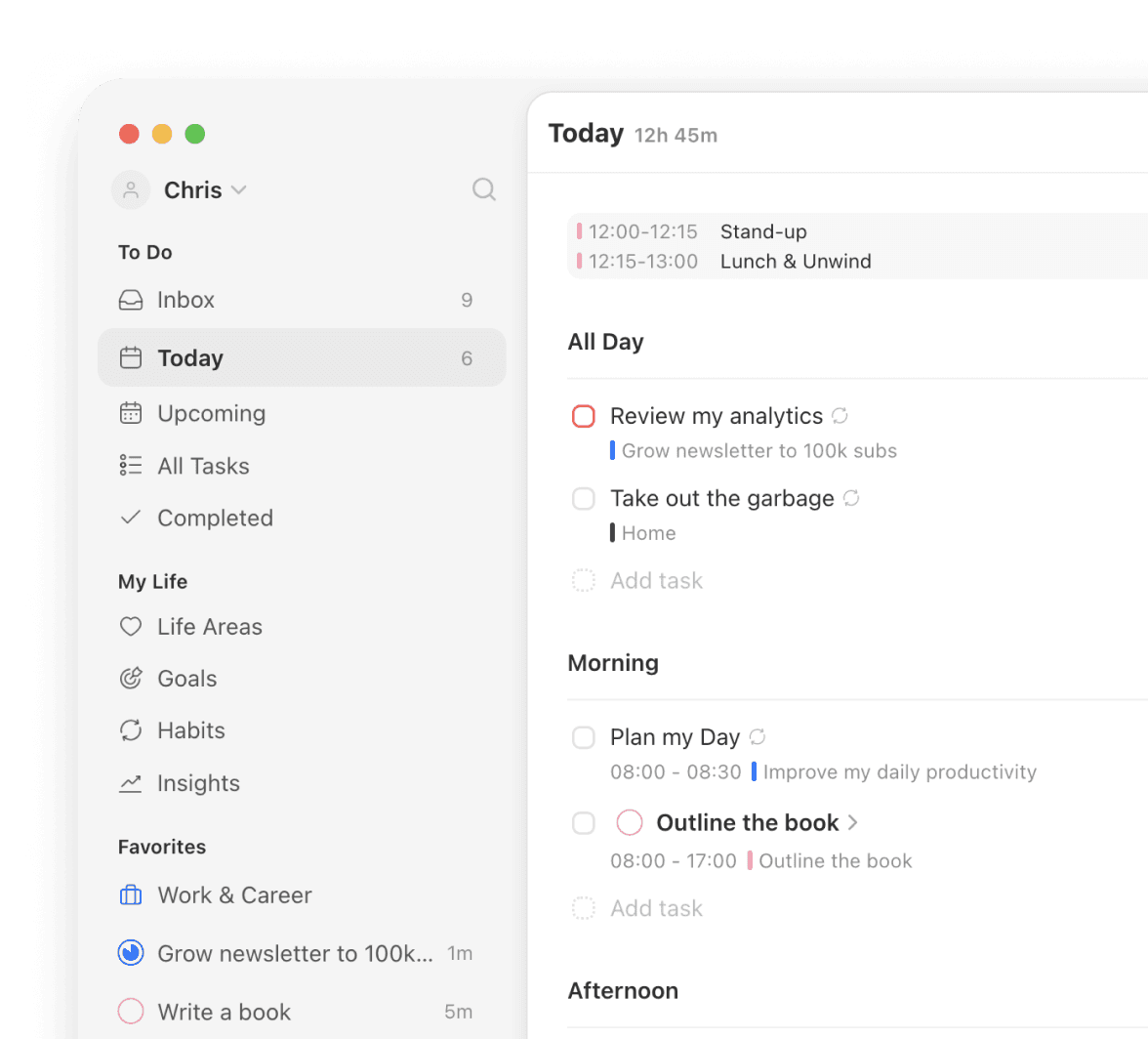
See real progress on every goal
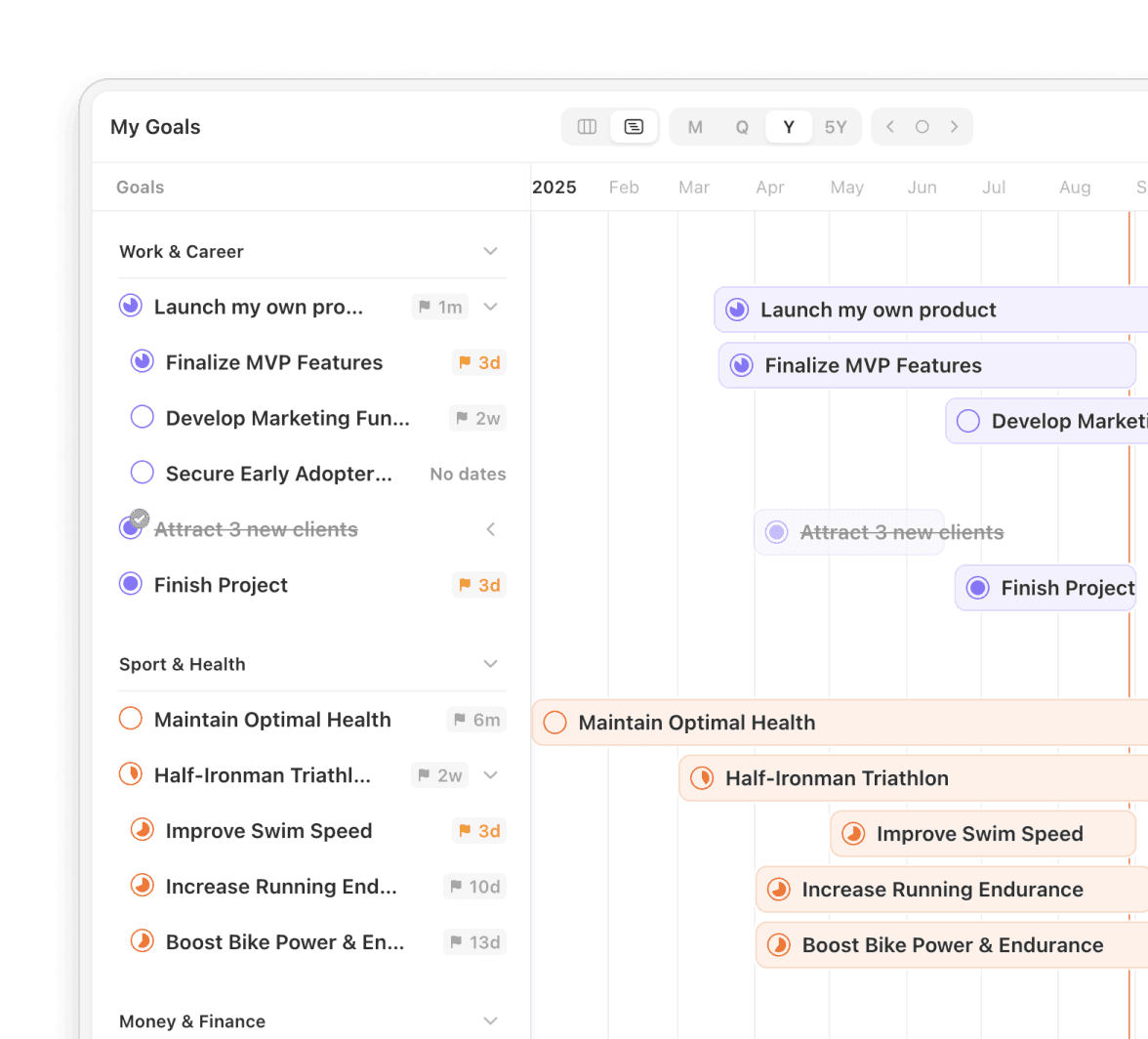
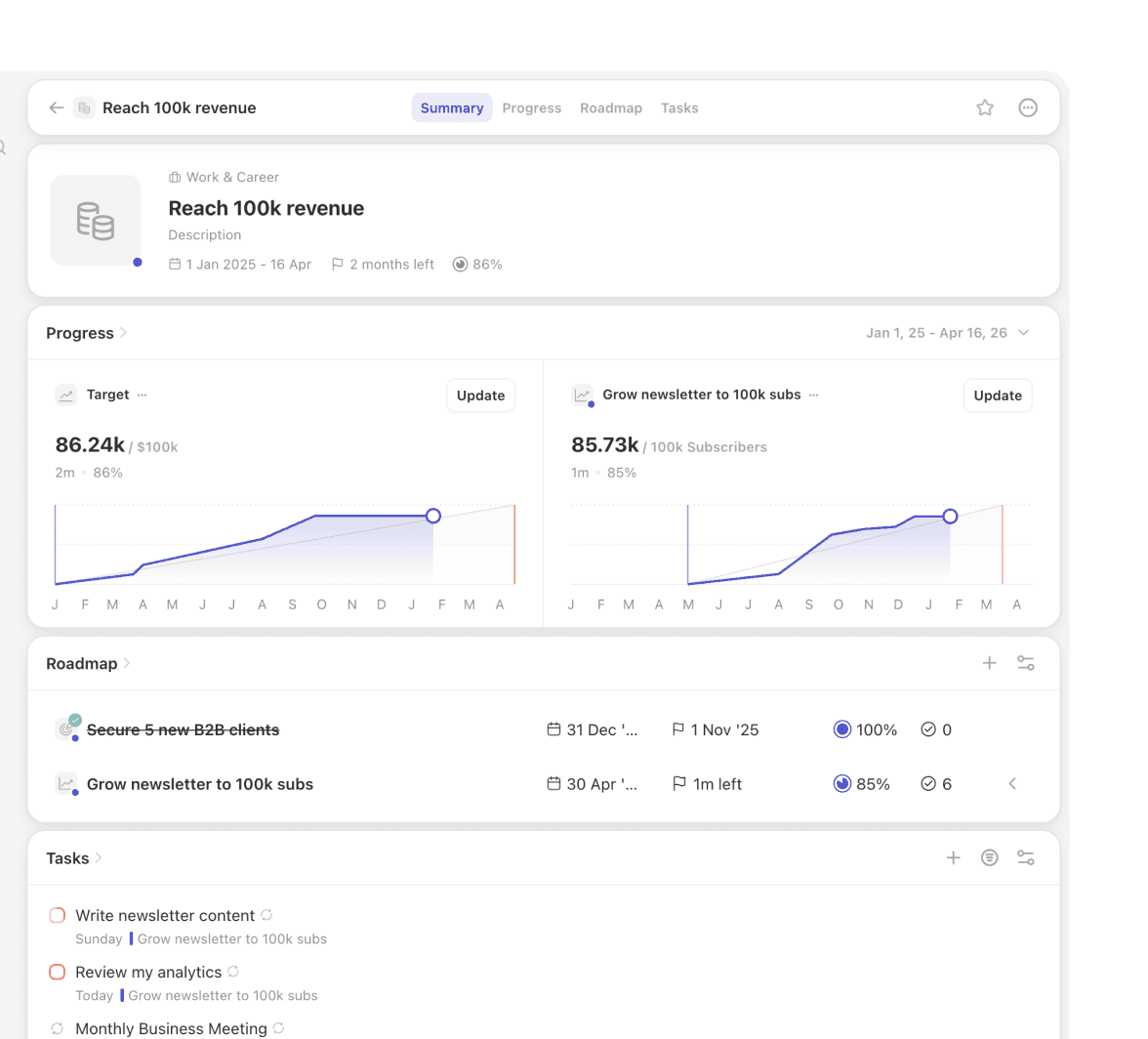
Every goal in Griply has a progress chart and roadmap built in. Notion makes you build that yourself with databases and formulas.
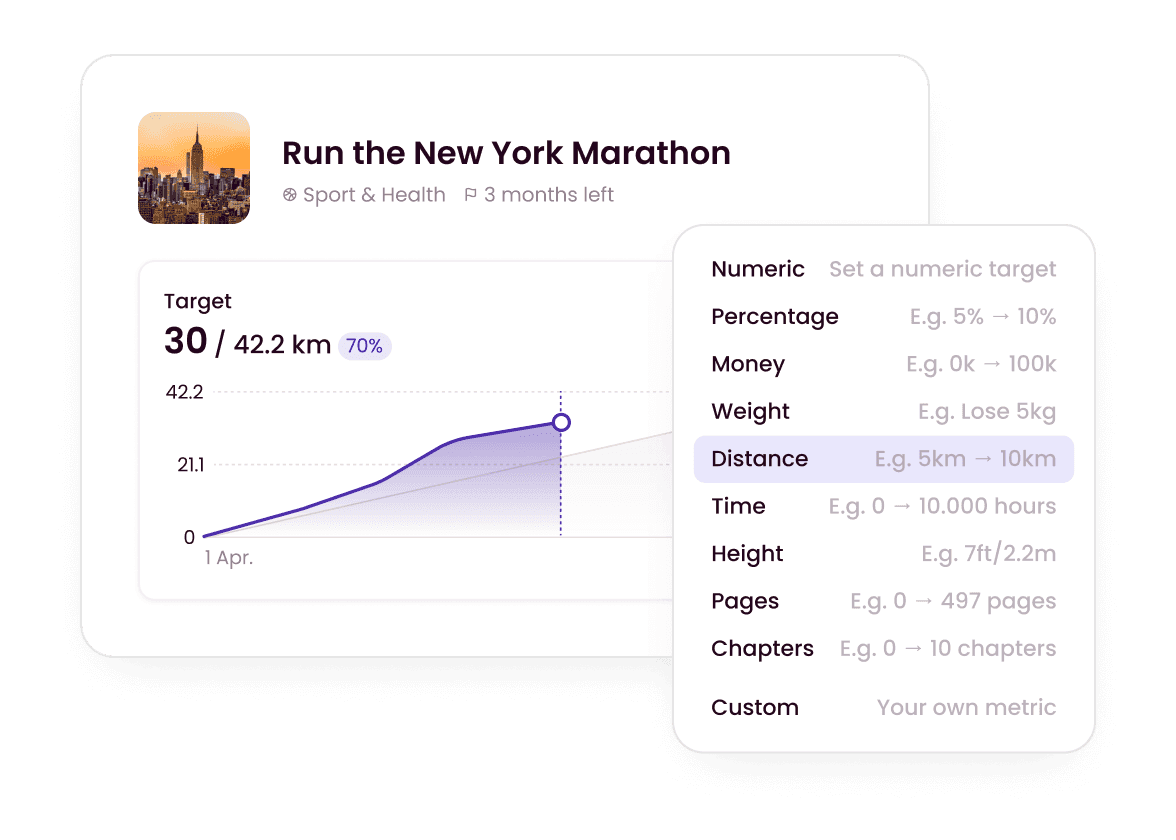
Plan your whole week from your phone
Griply's mobile app matches the desktop, so you can plan anywhere. Notion's mobile app is limited, so real work waits for the desktop.
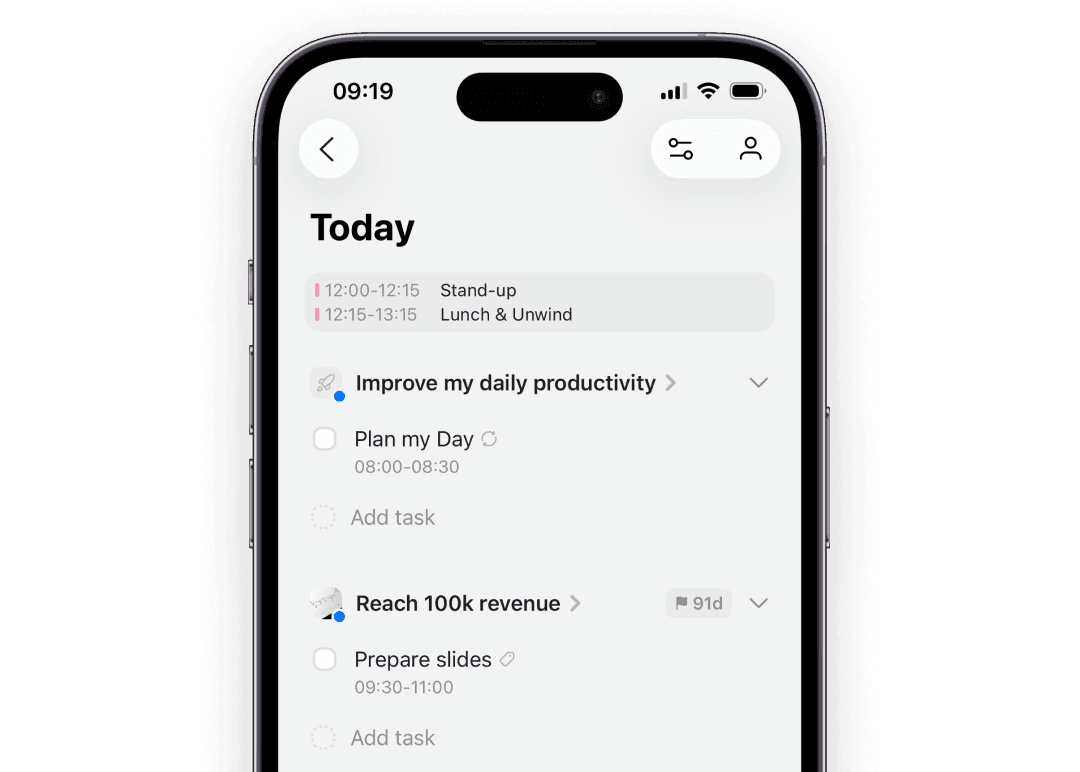
Skip the workspace setup entirely
Griply's structure is ready the moment you sign in. Notion's blank canvas can pull you into hours of setup before any real work.
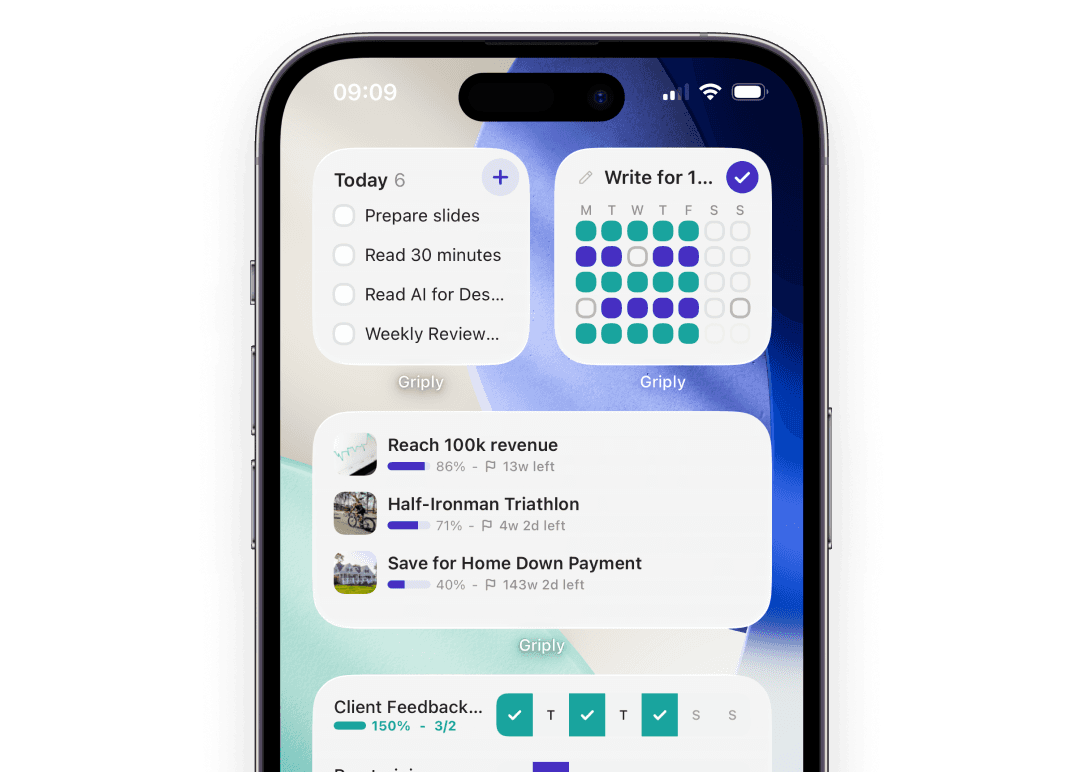
Fast even with hundreds of goals and tasks
Griply stays fast as your goals and tasks grow. Large Notion workspaces start to lag, which turns daily planning into a chore.
Is Notion overkill for personal use?
For many people, yes. Notion is built as an all-in-one workspace, so a simple plan turns into a project of databases, templates, and views you have to maintain. If you mainly want to set goals and plan your week, a goal-first planner like Griply gives you that structure without the setup.
Why are people leaving Notion?
The reasons that come up most are the time it takes to build and maintain a system, slow performance on large workspaces, and a mobile app that does less than the desktop version. People who want to make progress on their goals rather than build a workspace start looking for a simpler Notion alternative.
Is Griply a good Notion alternative?
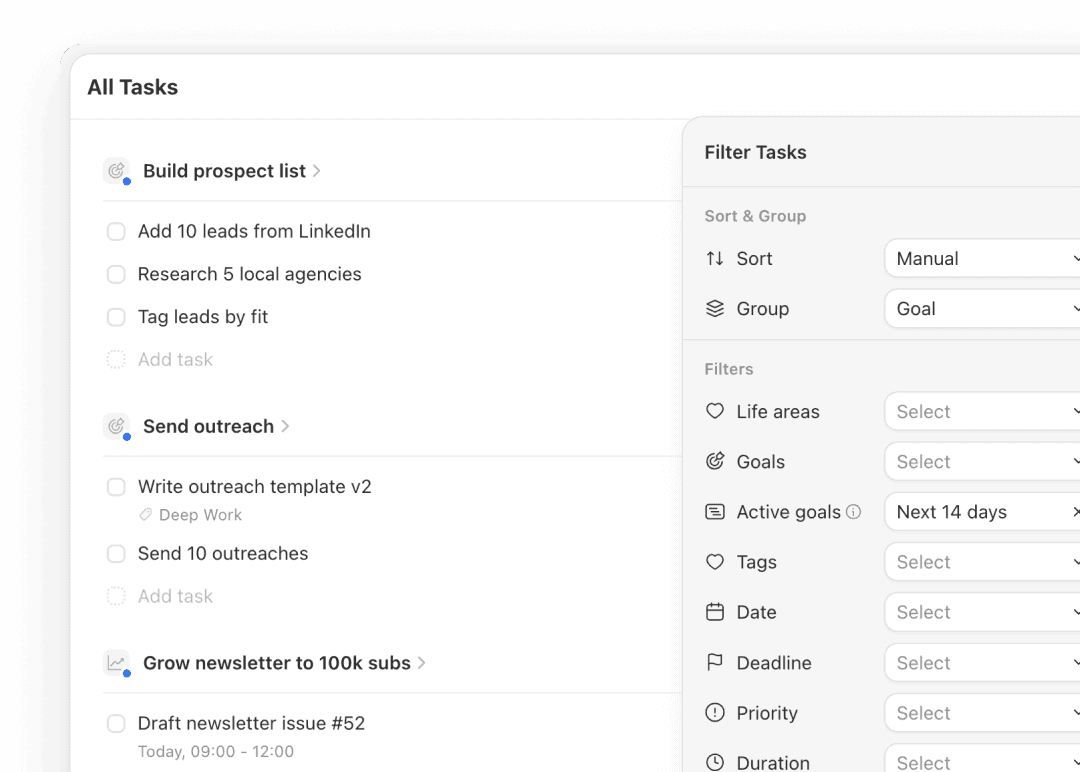
Griply is a strong Notion alternative for goal-focused planning. Instead of a blank canvas, Griply gives you a goal-first hierarchy where tasks link to goals, life areas, and your vision. You get goal progress charts and a roadmap timeline without building them yourself.
Can Griply replace Notion?
For goals, habits, daily tasks, and weekly planning, yes. Griply is built for execution rather than note storage. Notion is strong as a wiki or document store, but for turning your goals and habits into daily action, Griply is the planner to build on.
How do I switch from Notion to Griply?
Start with your vision and life areas, then add the goals that matter most. Bring over only the active tasks tied to those goals and leave the old notes behind. Most people treat the switch as a chance to reset with a clear plan rather than carry years of clutter forward.
Is Griply a free Notion alternative?
Griply has a free plan you can start with today, plus Premium for unlimited goals and habits and a Lifetime option if you would rather pay once. For anyone weighing free alternatives to Notion, you can build your first goals without paying.
Does Griply replace Notion habit tracker templates?
Yes. Instead of downloading and maintaining a Notion habit tracker template, Griply has habit tracking built in, and every habit connects to a goal so you can see what it is moving forward.

Griply
Ready to stop building and start achieving?
You have two paths. Keep building and maintaining a workspace in Notion. Or start with a goal-first planner that connects today's tasks to your bigger vision from the moment you sign in.
Still deciding? Join our Community and ask the founders why they built Griply. We’re there every day.