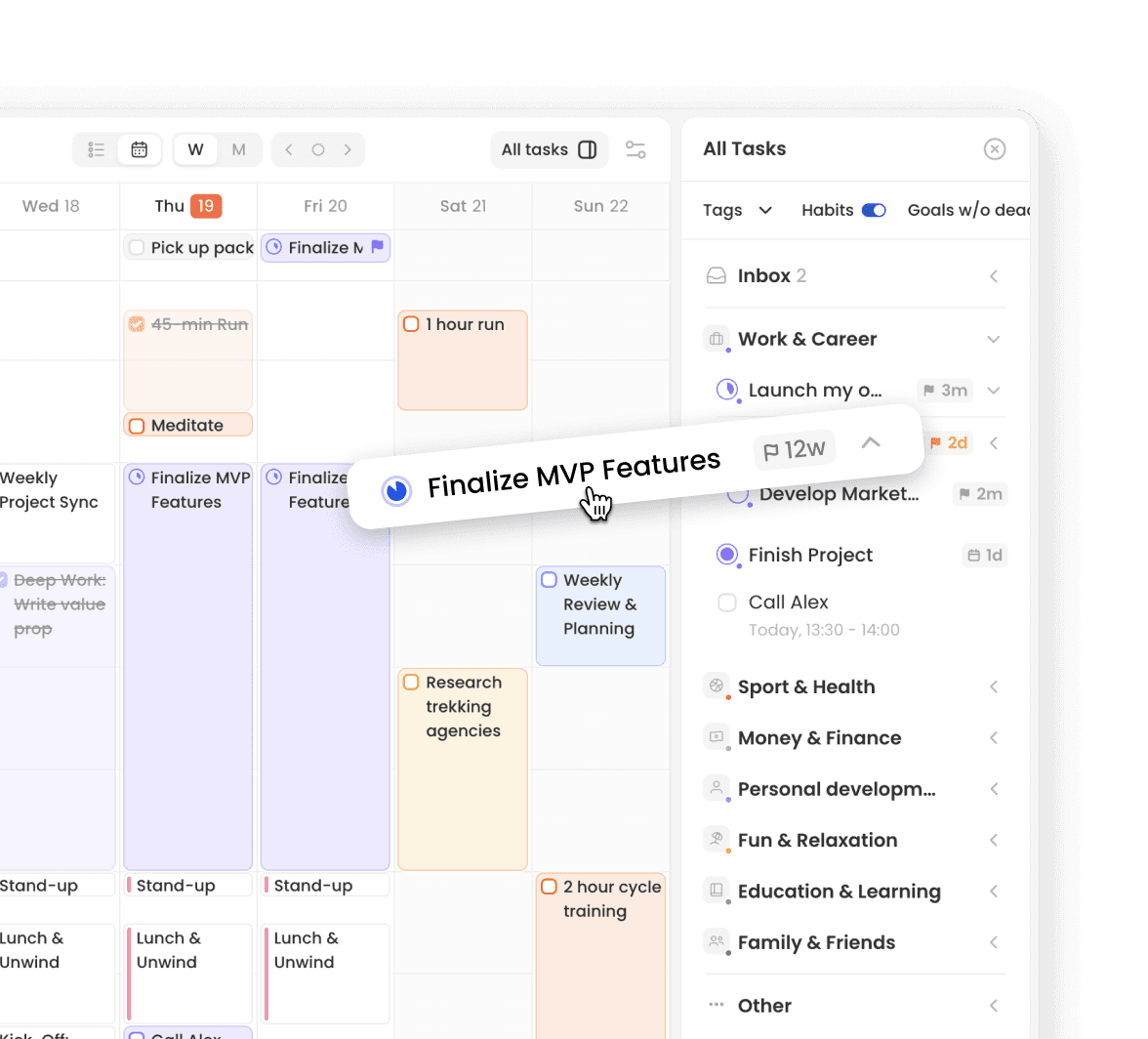

Yearly Planning
Map Your Big Picture with the Goal Timeline
All great weekly plans start with a long-term plan. The Goal Timeline is your personal, Gantt-style roadmap.
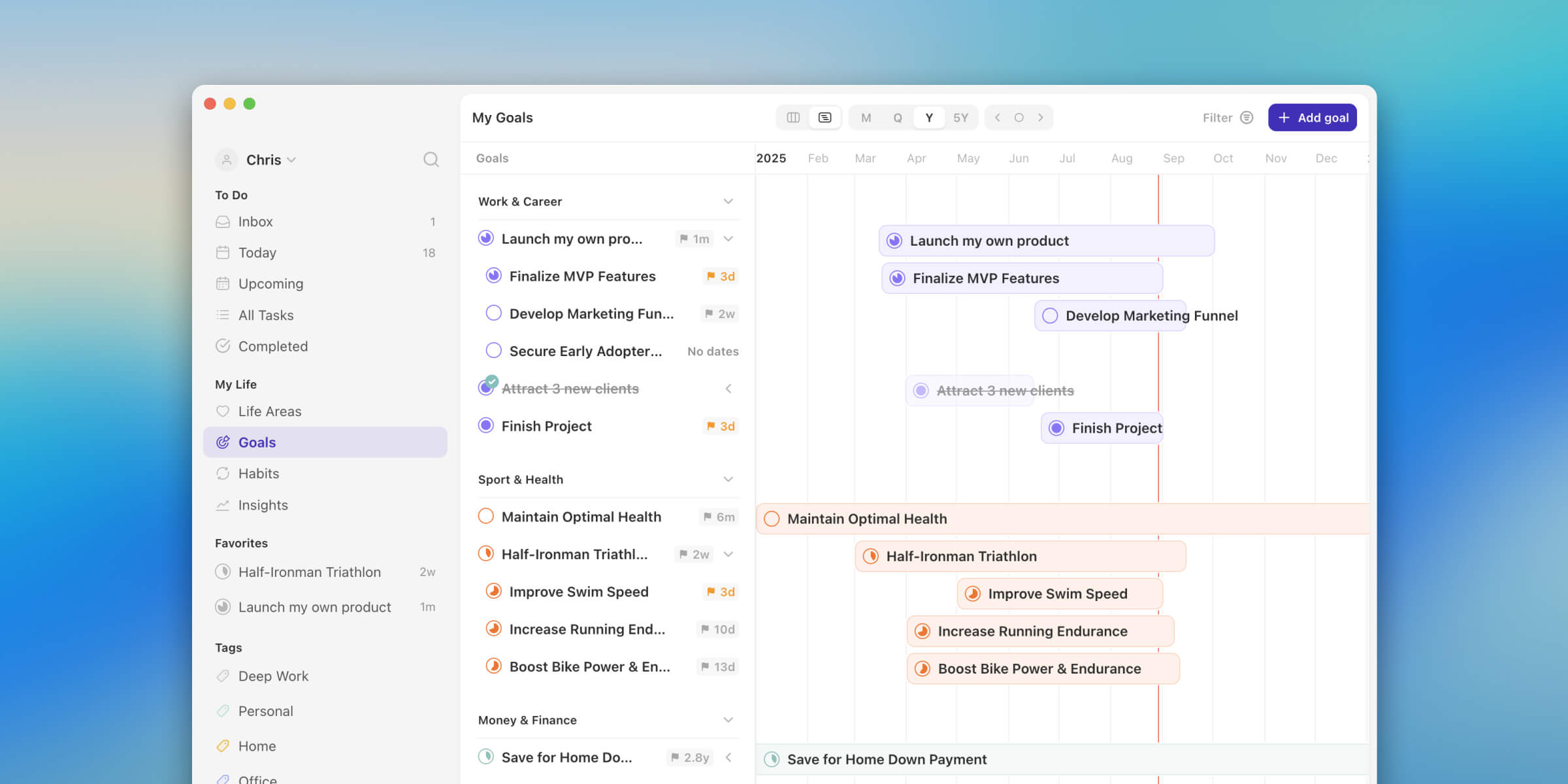
Plan your 1, 3, and 5-year ambitions in one place.
See how your goals overlap and adjust timelines.
Gain the calm focus that comes from having a long-term plan.
Weekly & Daily Planning
Connect Your Goals to Your Daily Plan
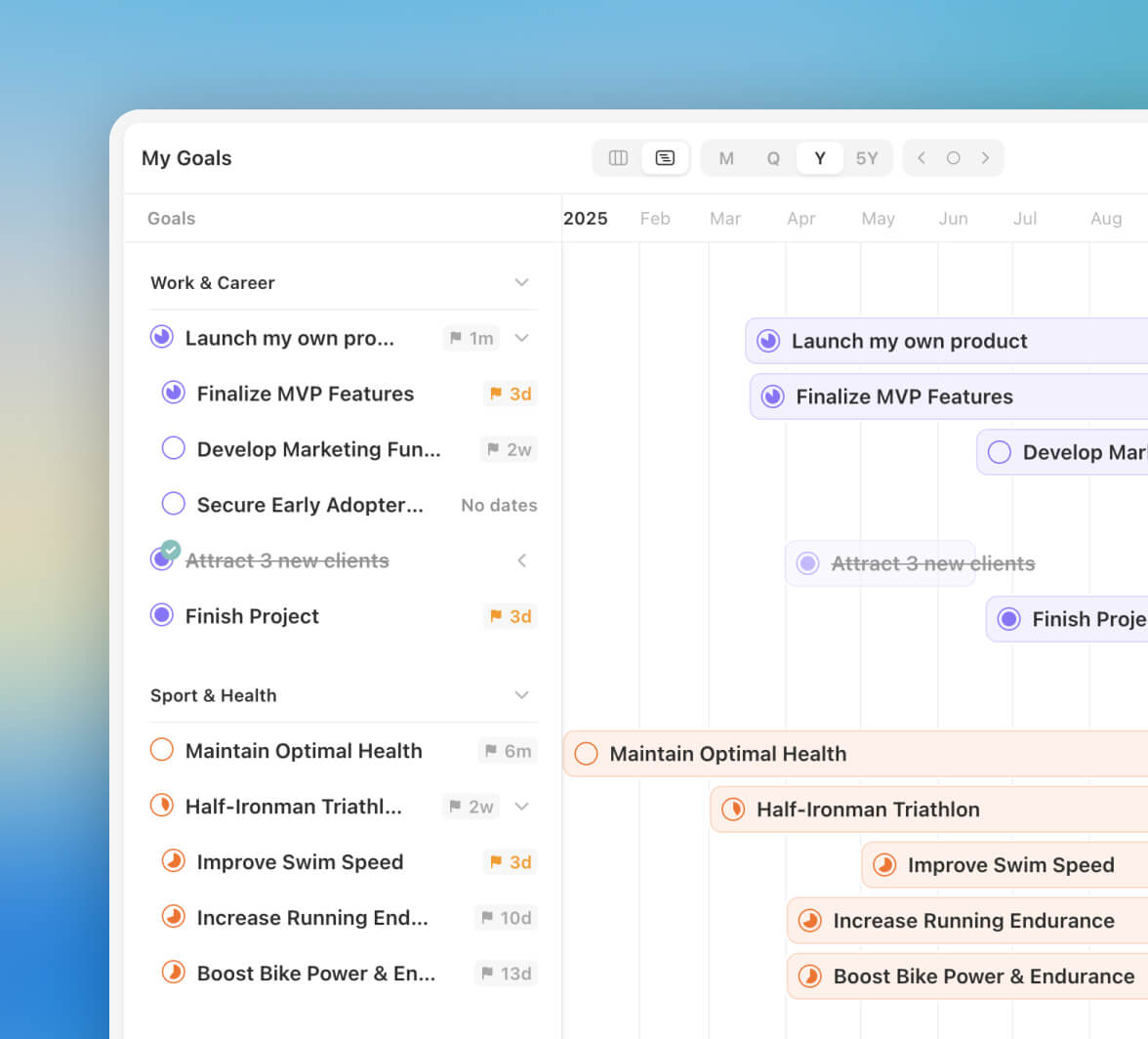
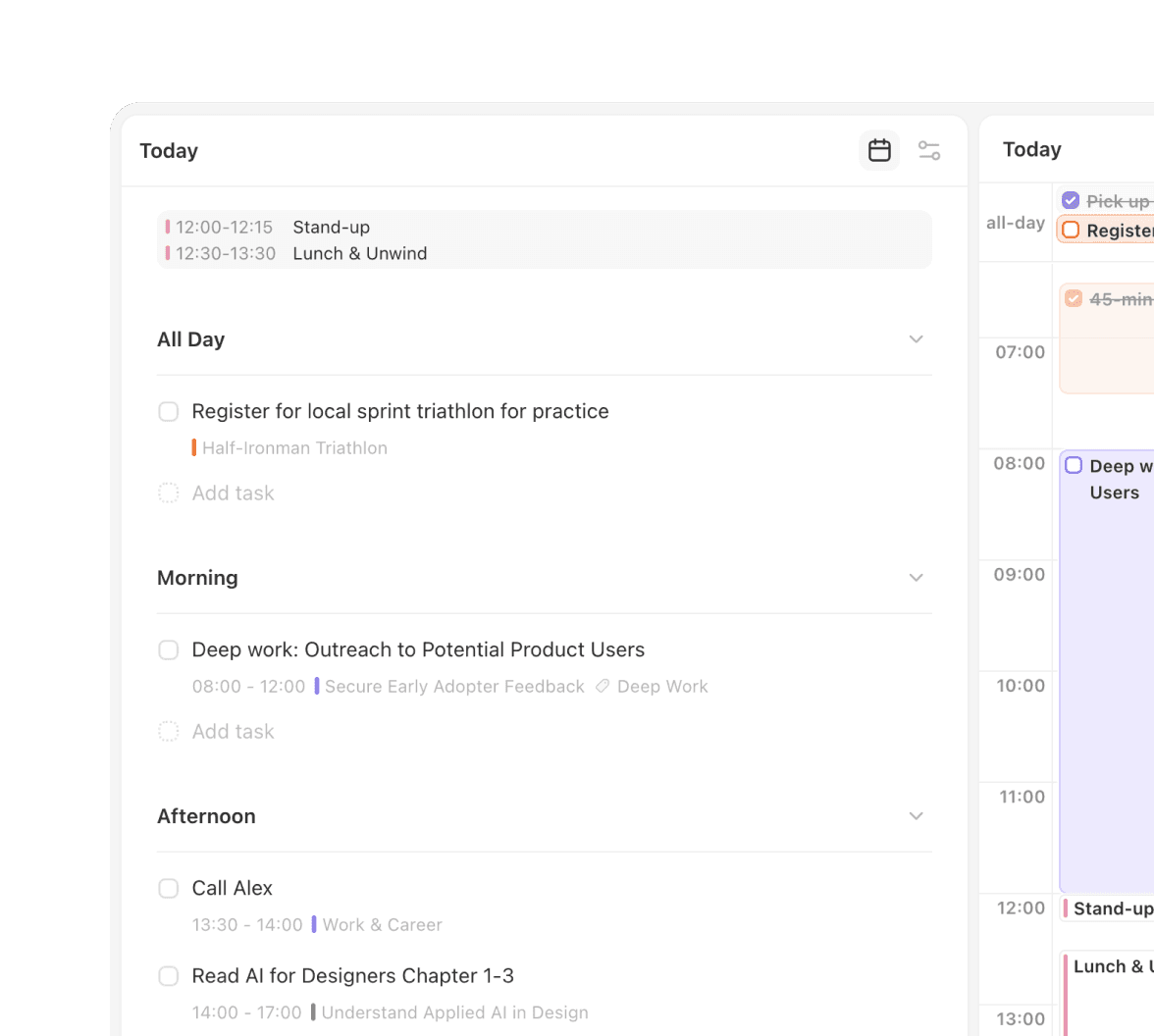
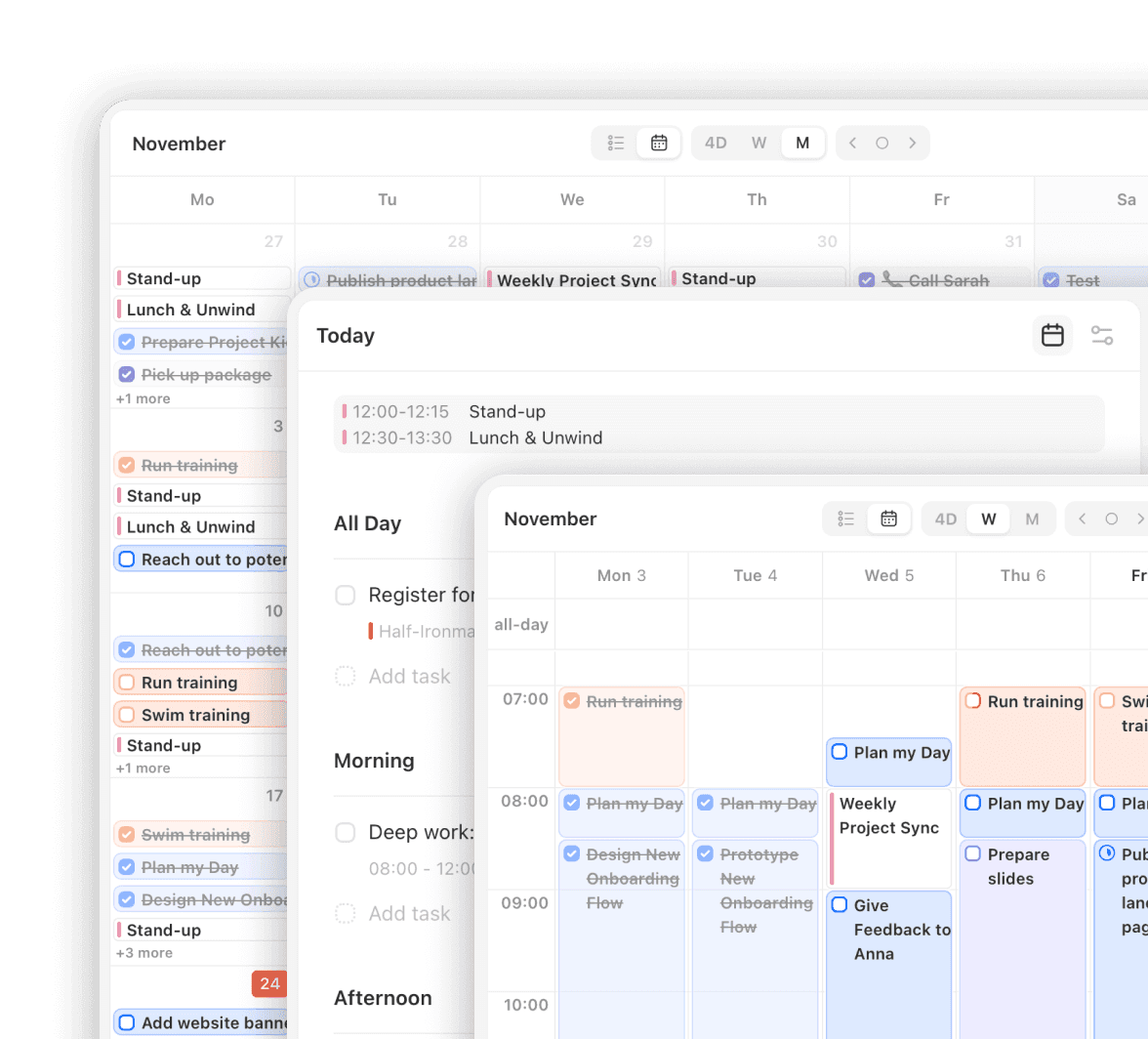
This is where your big-picture plan flows into your daily life. The calendar isn't a separate tool; it's a dynamic, "Goal-First" planner that visualizes your entire system.


Your "Why" is Always Visible: Your goals are displayed next to your calendar, ensuring you plan with the big picture always in mind.
Your Actions Flow In: Your Habits and Tasks flow directly into your daily and weekly views.
Your Life Syncs Up: Integrate Google or Outlook Calendar to see all your events alongside your goal-work, in one unified view.
Deep Work
Actively Make Time for Your Goals
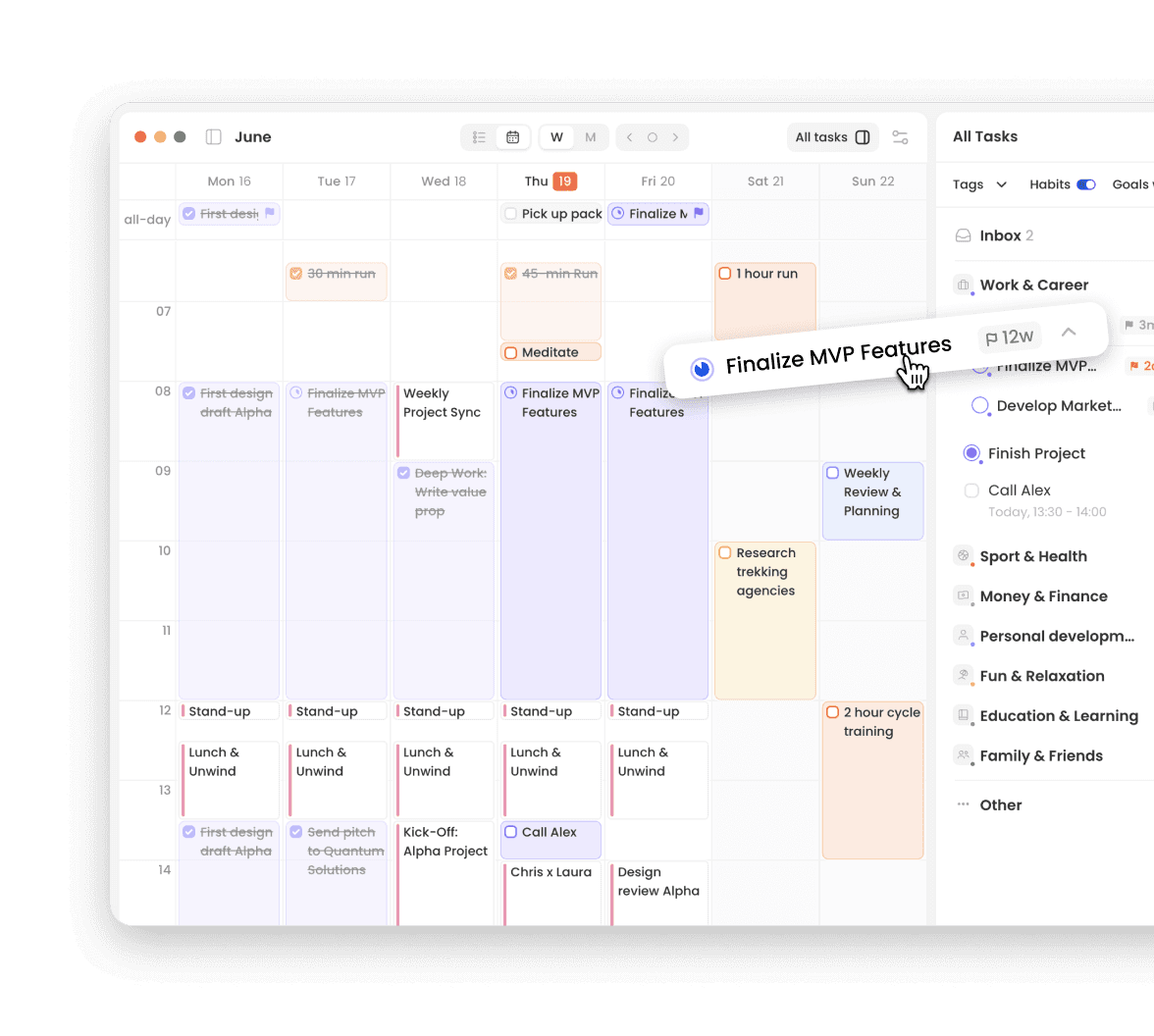
A plan is useless if you don't protect the time to execute it. Griply gives you "pro-level" time management tools designed to help you proactively schedule your priorities.
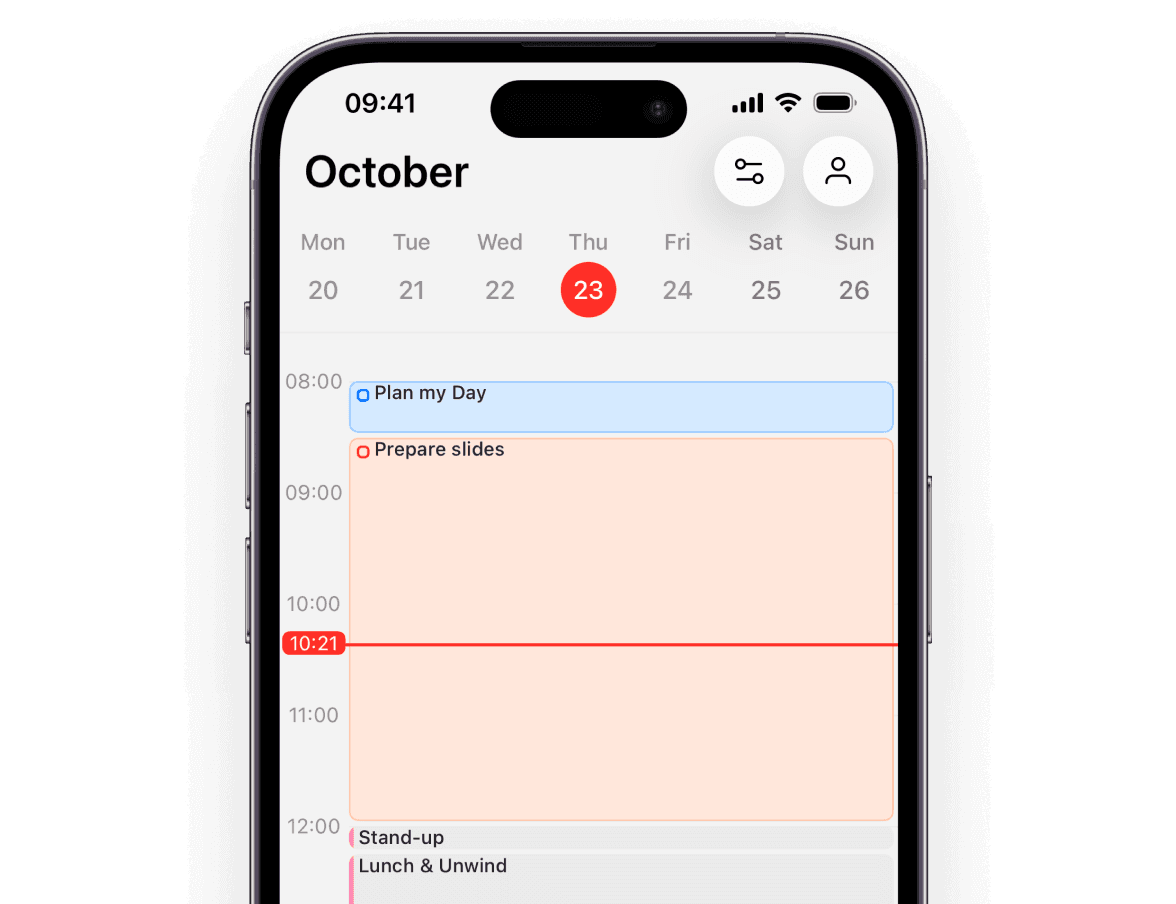
Native iOS App
Manage your time on the go. The native app and responsive calendar make it easy to plan and adjust your day from anywhere.
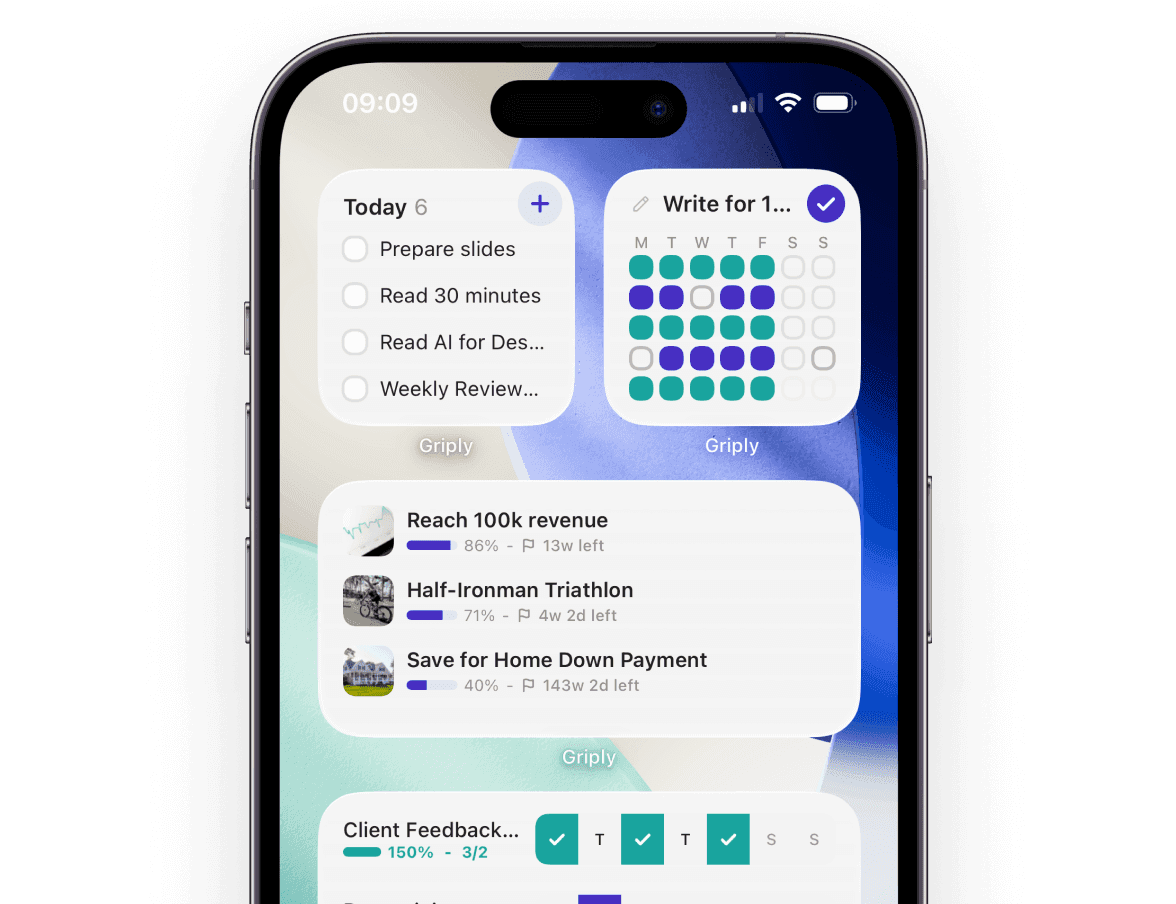
Task Widgets
Keep your plan top-of-mind. See your day's schedule, and habits at a glance, right from your home screen.

Griply
Stop Managing a Busy Calendar. Start Building a Purposeful Week.
A simple calendar just tells you where you have to be. A Goal-First calendar shows you where you need to be.
Stop letting your week be hijacked by other people's priorities. Start investing your time in your own.
Avg. 4.8 Store Rating
Explore the Connected System


How is Griply's time blocking different from traditional scheduling?
Griply goes beyond traditional scheduling by allowing you to block time for your Goals and Life Areas, not just single tasks. This ensures you protect time for strategic deep work first, moving your schedule from passive reaction to intentional execution.
How does Griply structure my day to help me maintain focus and productivity?
Griply helps you maintain focus and plan realistically by structuring your schedule in several ways. You can group your tasks by Day Parts, Goal, Life Area, or Priority. Additionally, the Today view includes a calendar where you can schedule tasks directly, allowing you to time block your day and ensure realistic planning.
How does Griply help me prioritize tasks when scheduling my week?
Prioritization in Griply is Goal-First and centers on strategic execution. You start by viewing your goals and schedule tasks based on Goal Deadlines and Success Metrics that require dedicated work. The system then supports this by allowing you to set priorities (P1-P4).
How does Griply combine my calendar and my tasks?
Griply connects your Task Manager directly to your schedule via Calendar Views. This allows you to view your tasks laid out on Day, Week, or Month scales, giving you the clarity needed to execute your day, hour-by-hour
Does Griply integrate with my external calendar (Google/Outlook)?
Yes, Griply securely pulls in events from both Google Calendar and Outlook so you can view all external obligations alongside your Goal-Work Time Slots. This provides the total clarity needed to Align your daily plan with your 5-year vision. We plan to introduce two-way sync functionality in a future update.
Can I see high-level deadlines and granular plans within the app?
Yes, Griply offers several views for strategic planning. The most high-level view is the Goal Timeline (Gantt Chart), where you can see your goals plotted on a 1-5 year timeline. You can then zoom in using the Day, Week, & Month Views to Visualize high-level deadlines on the Monthly View and Execute with a focused, hour-by-hour plan for your day.