iOS: From Idea to Action Faster with Share Sheet & Lock Screen Shortcuts
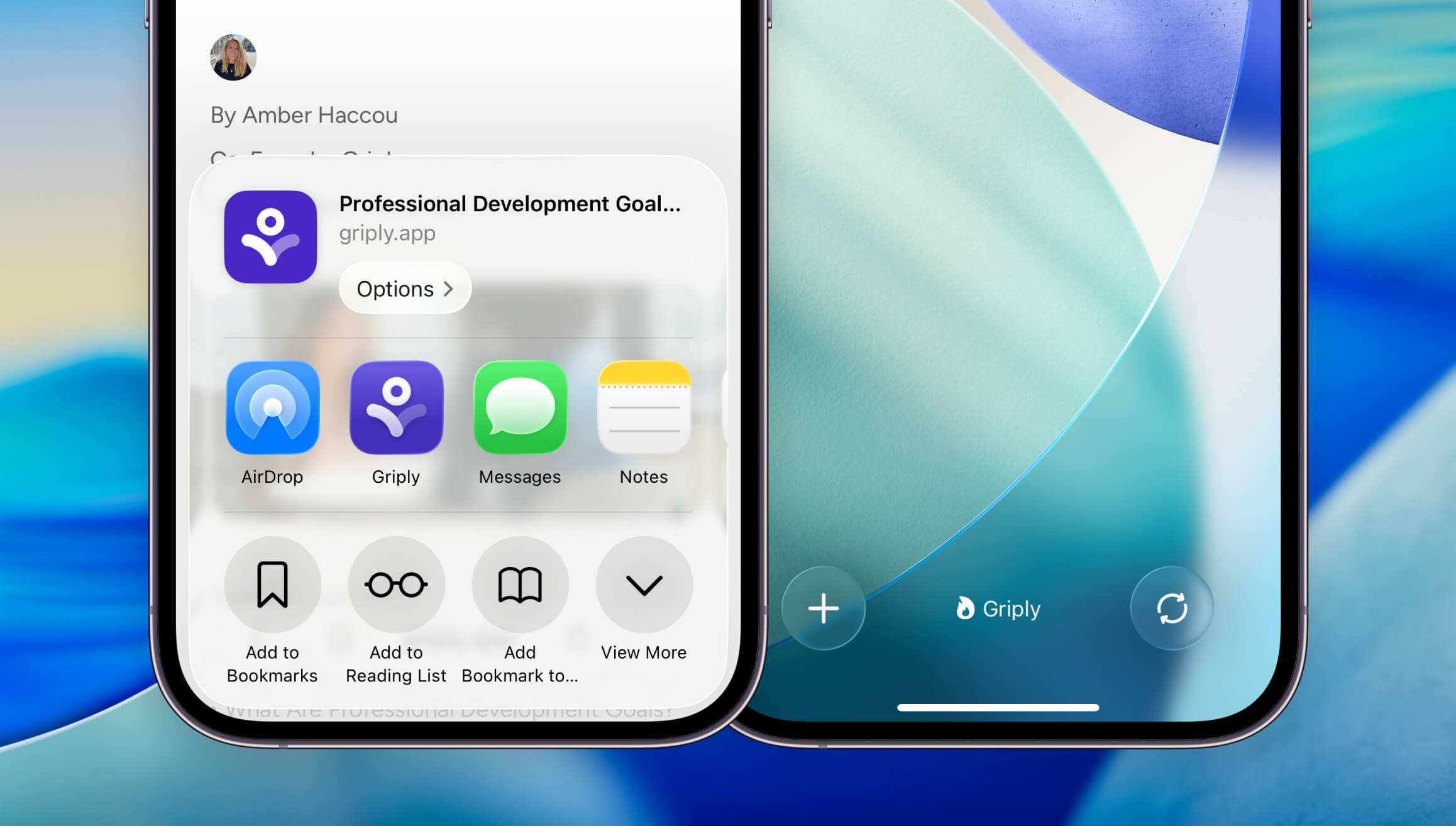
We’ve heard your feedback: capturing tasks and accessing your goals on mobile should be faster. This update is all about speed and reducing friction for your mobile experience. With the new Share Sheet extension and Lock Screen Shortcuts, you can capture ideas in seconds and access your most important goals straights from your lock screen.
Features
Share Sheet Extension: Capture ideas and tasks instantly from any app. Use the iOS Share Sheet to send links, notes, or text directly to Griply and turn inspiration into action without breaking your flow.
Lock Screen Shortcuts: Get to what matters faster. Add new Griply shortcuts to your lock screen for immediate access to your Today view, Calendar, Habits, or even a specific Goal or Life Area.
Feature Request Board: Help us build the future of Griply. You can now request new features, report bugs, and vote on what we should build next: all directly from your Profile screen.
