The Similarities
Task Management
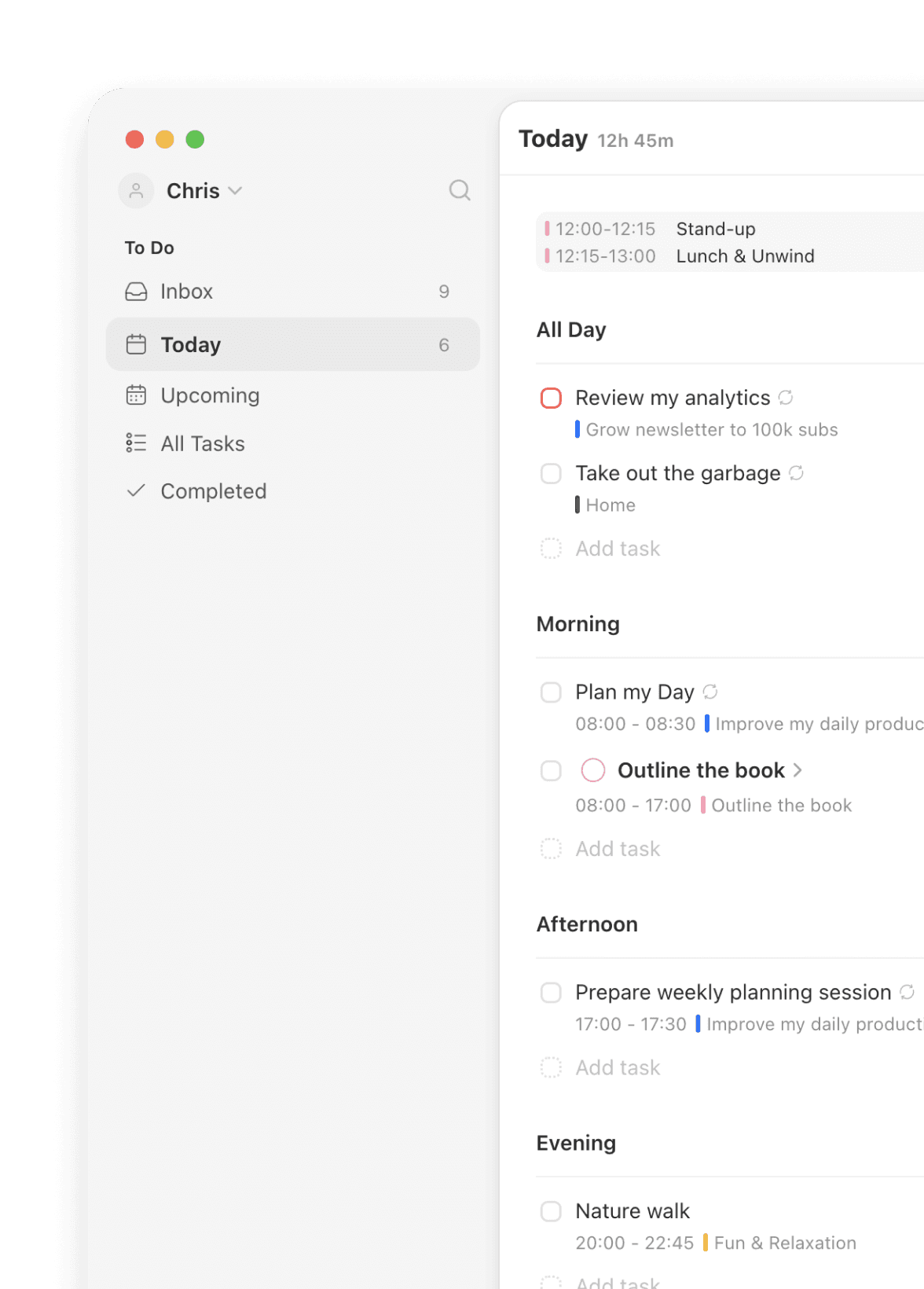

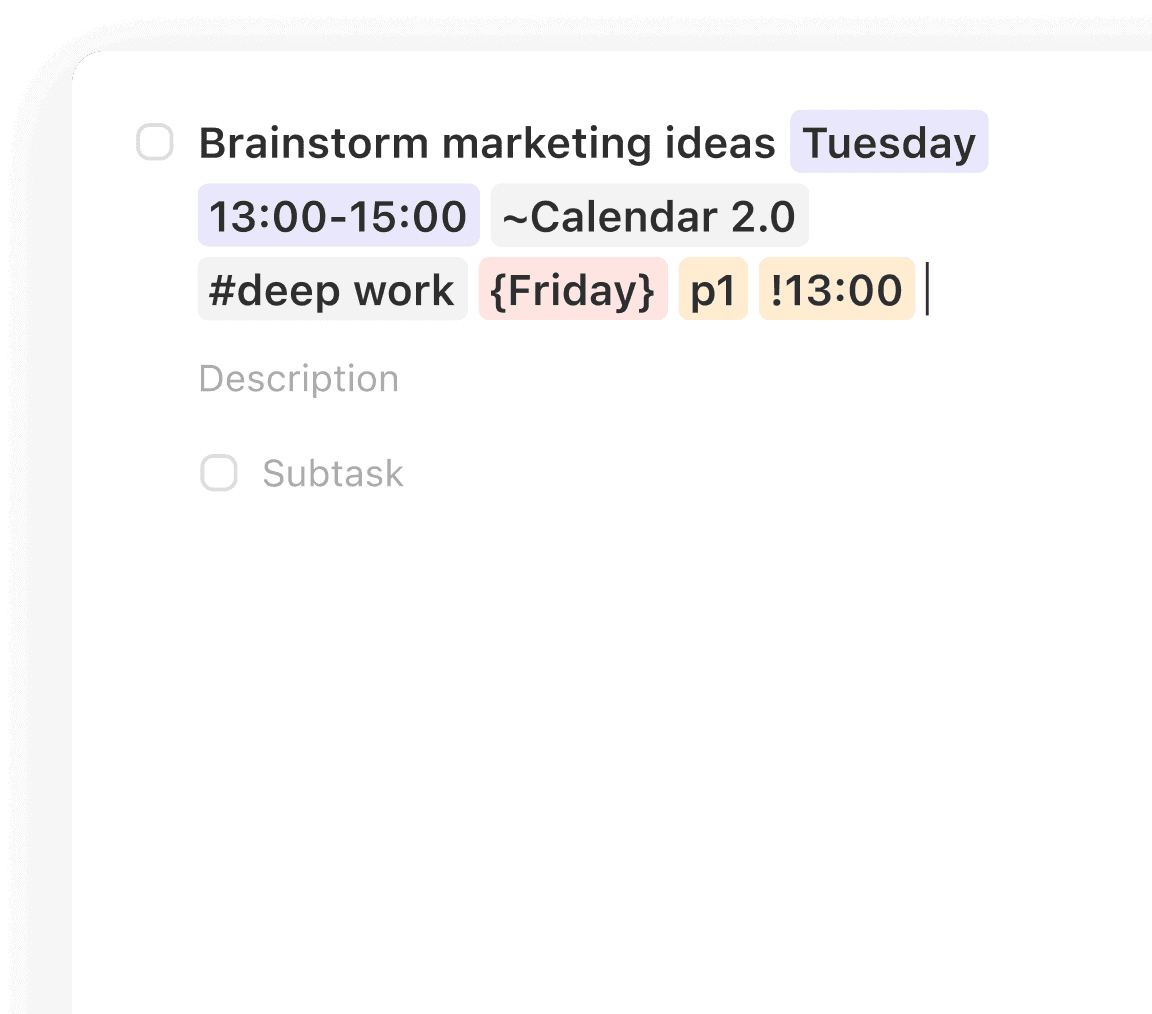
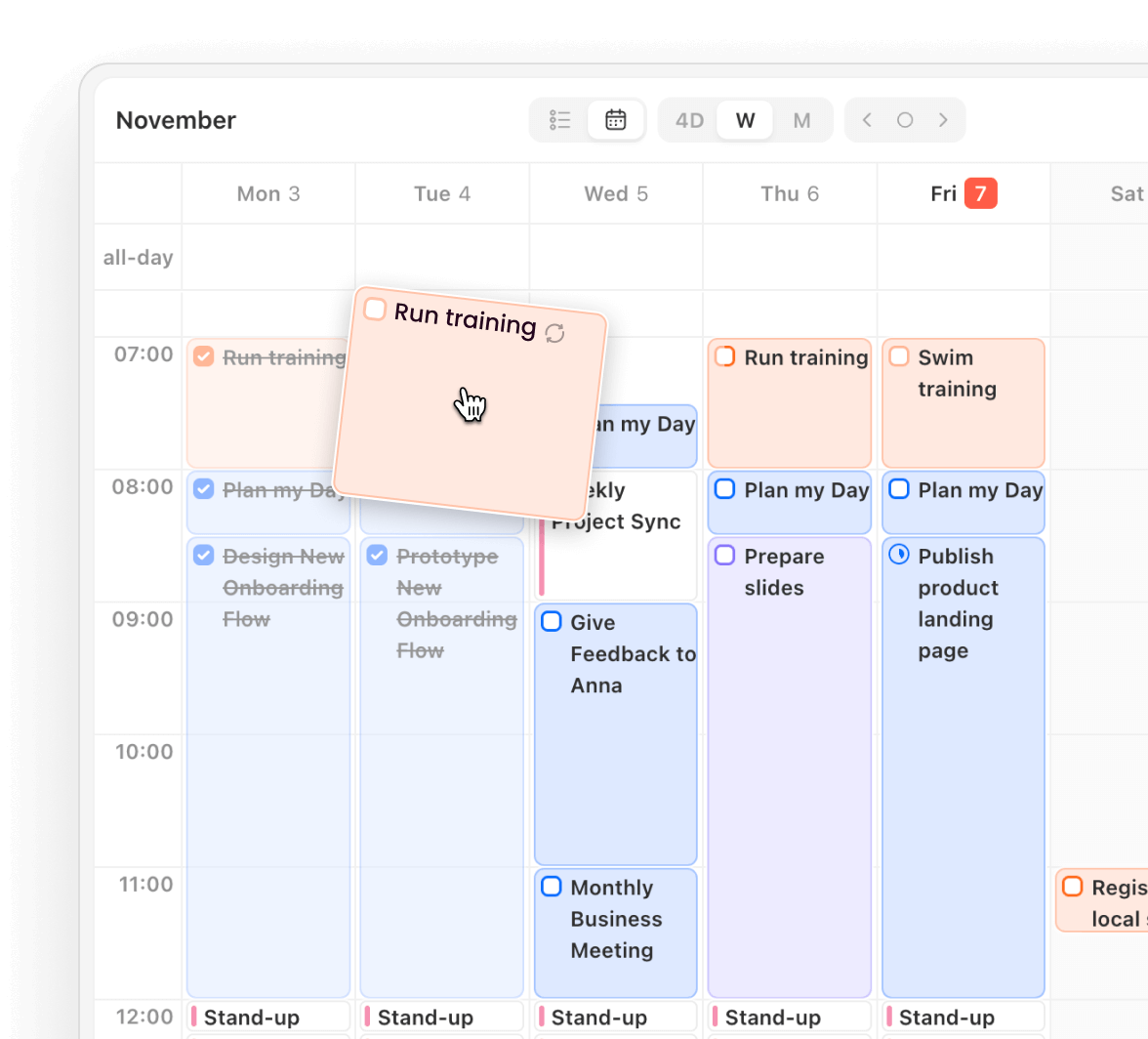
This is where Griply and TickTick overlap. Fast capture, NLP, and daily lists. If you just want to check boxes and set reminders, this layer has you covered.
Inbox: Track all incoming tasks
Today: Plan your day perfectly
Upcoming: Plan next week/month
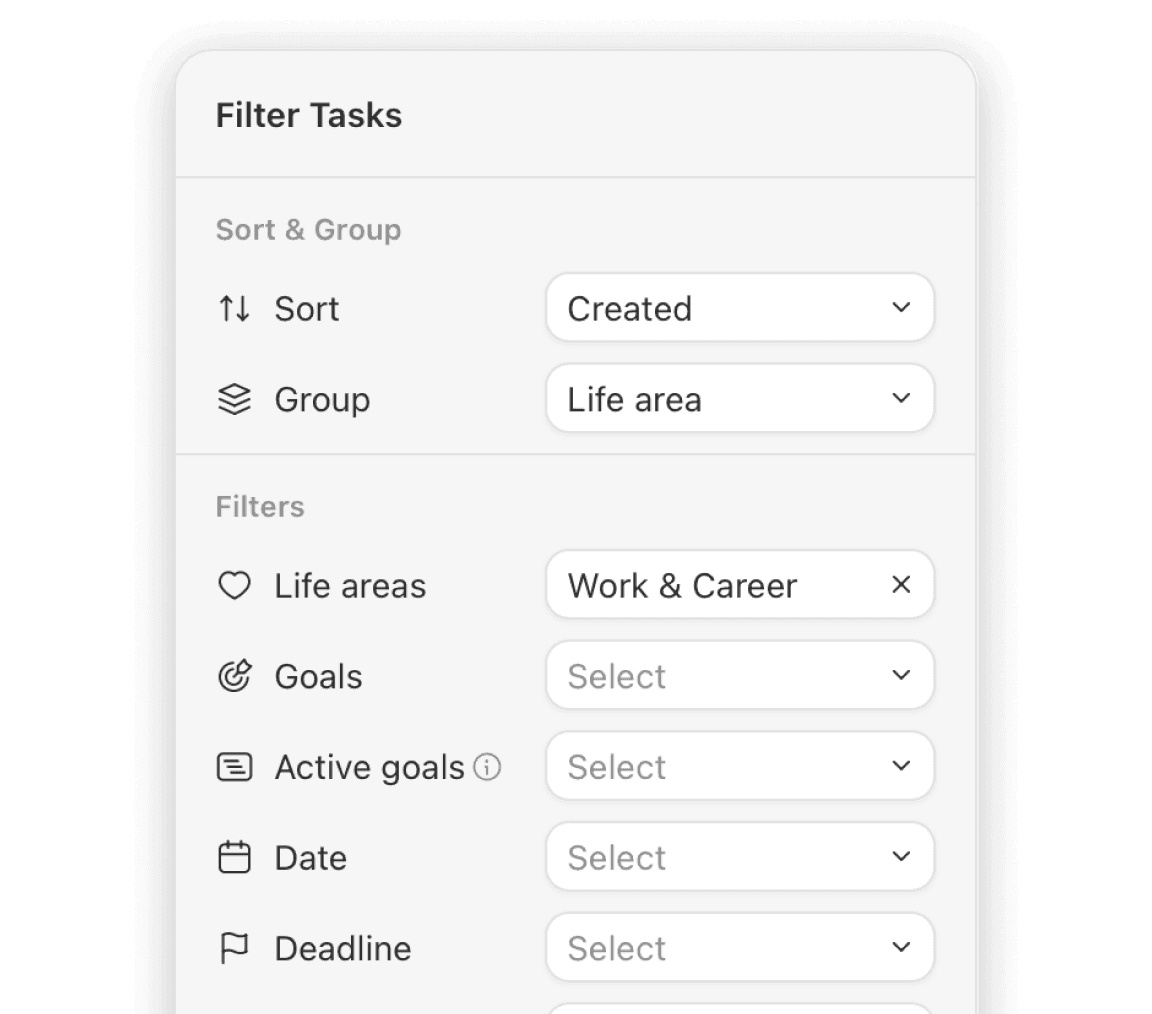
All Tasks: Filter and organize all your tasks
The Differentiator
Strategic Planning
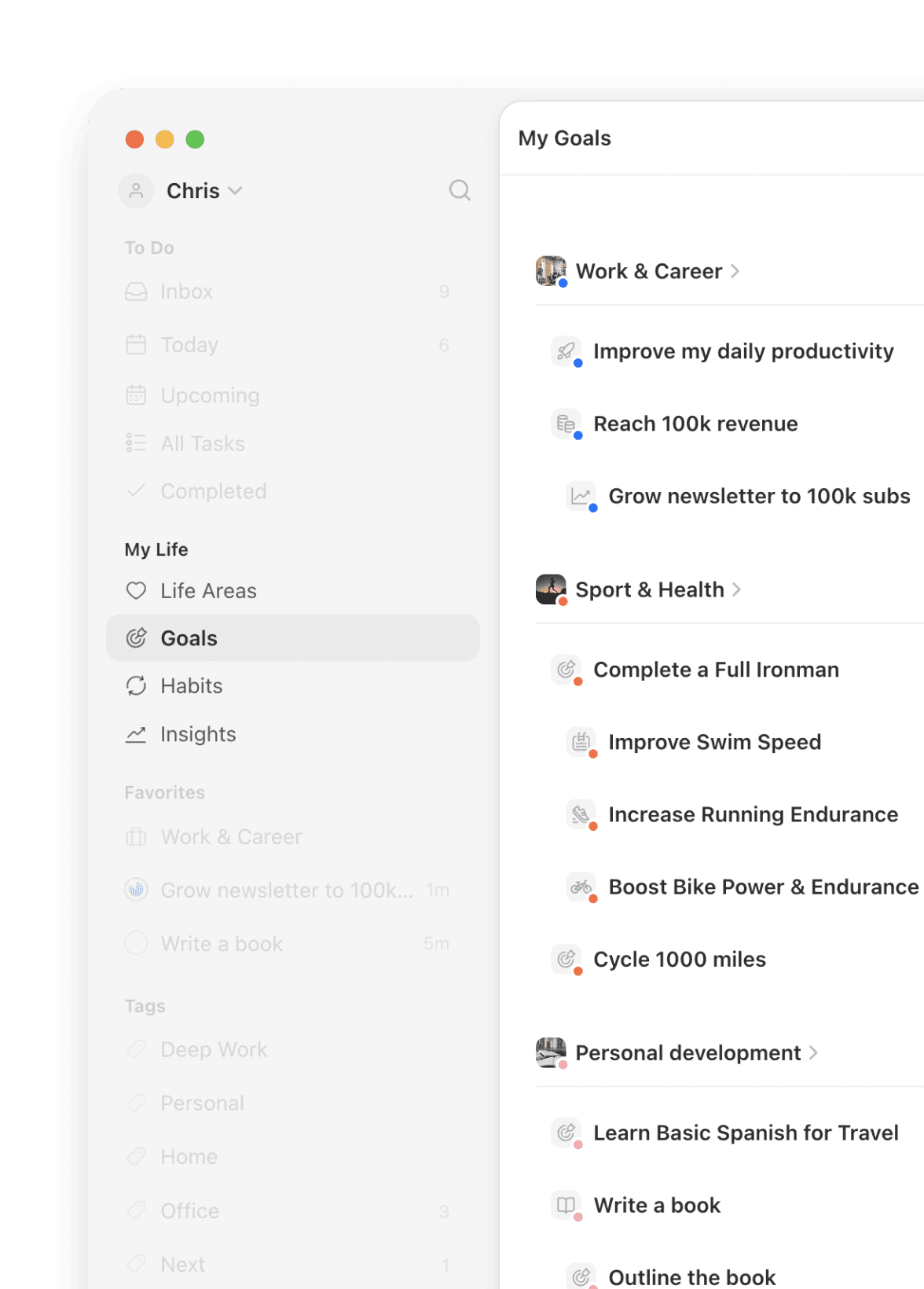
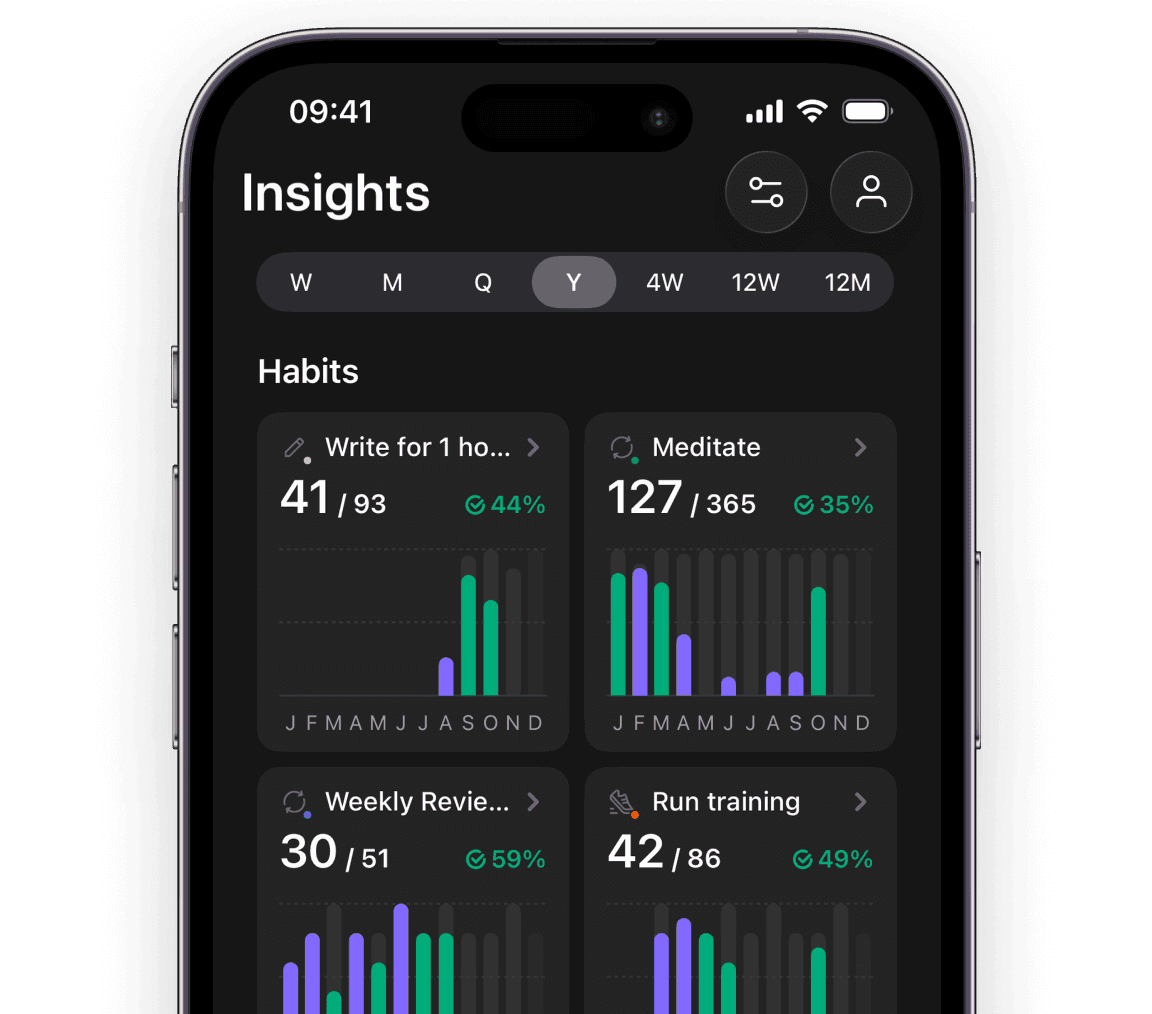
This is where the philosophies diverge. TickTick gives you a flat list of "Habits" and "Tags." Griply gives you a hierarchy of Purpose.
Strategic Depth
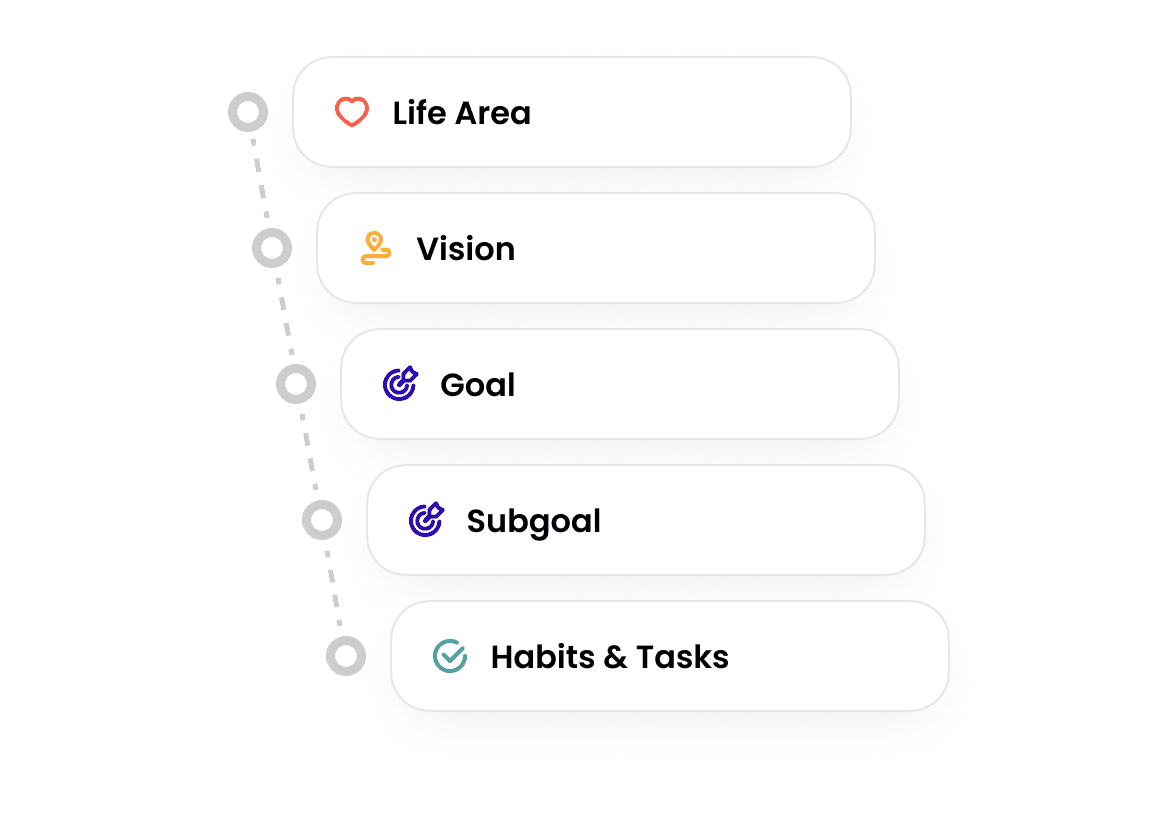
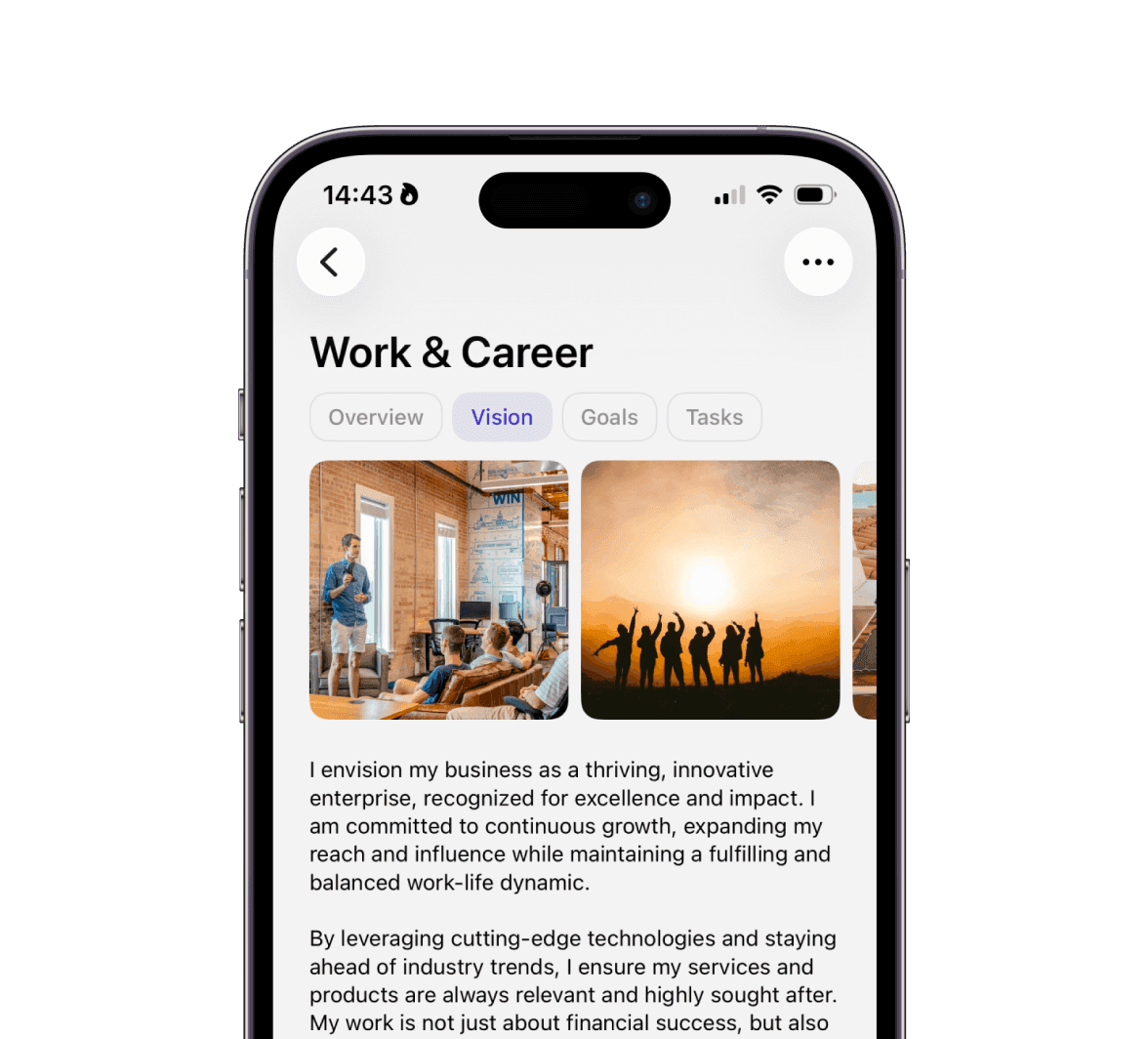
Real life is complex. Griply lets you nest Life Area > Vision > Goal > Subgoal > Task, giving you a map, not just a list.
Success Metrics
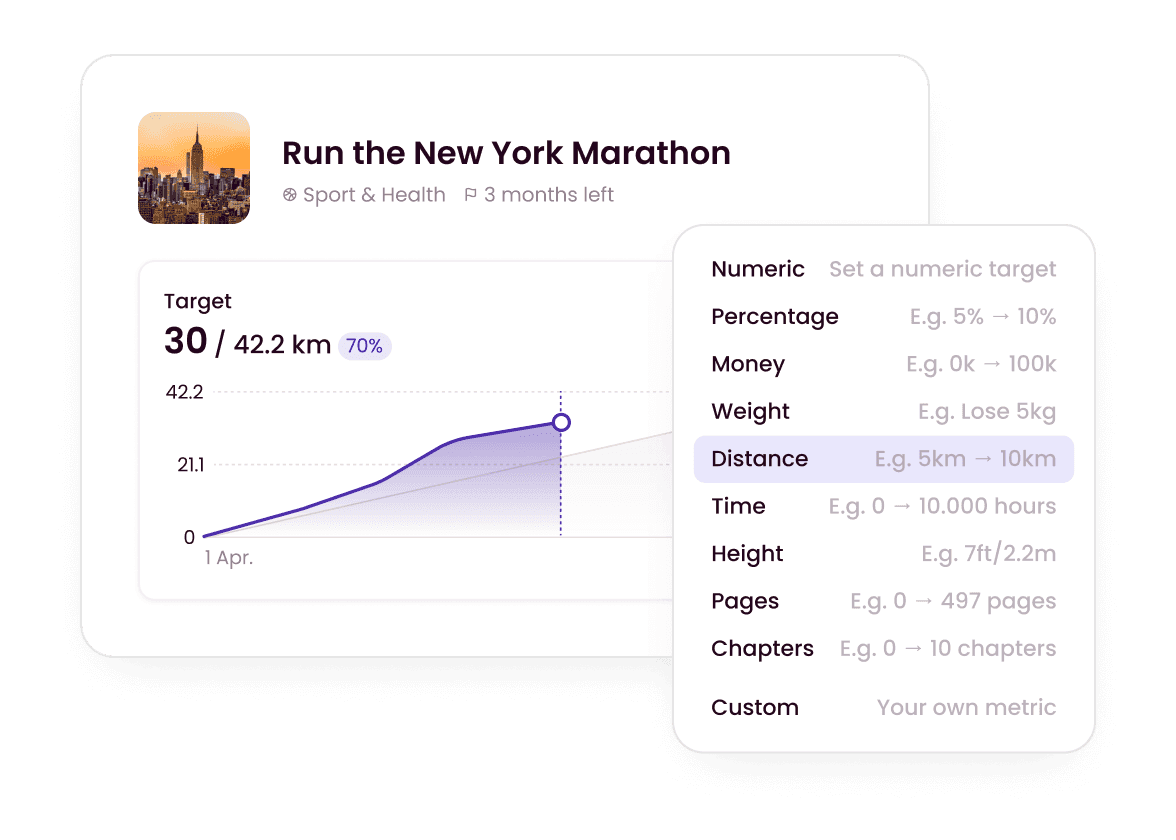
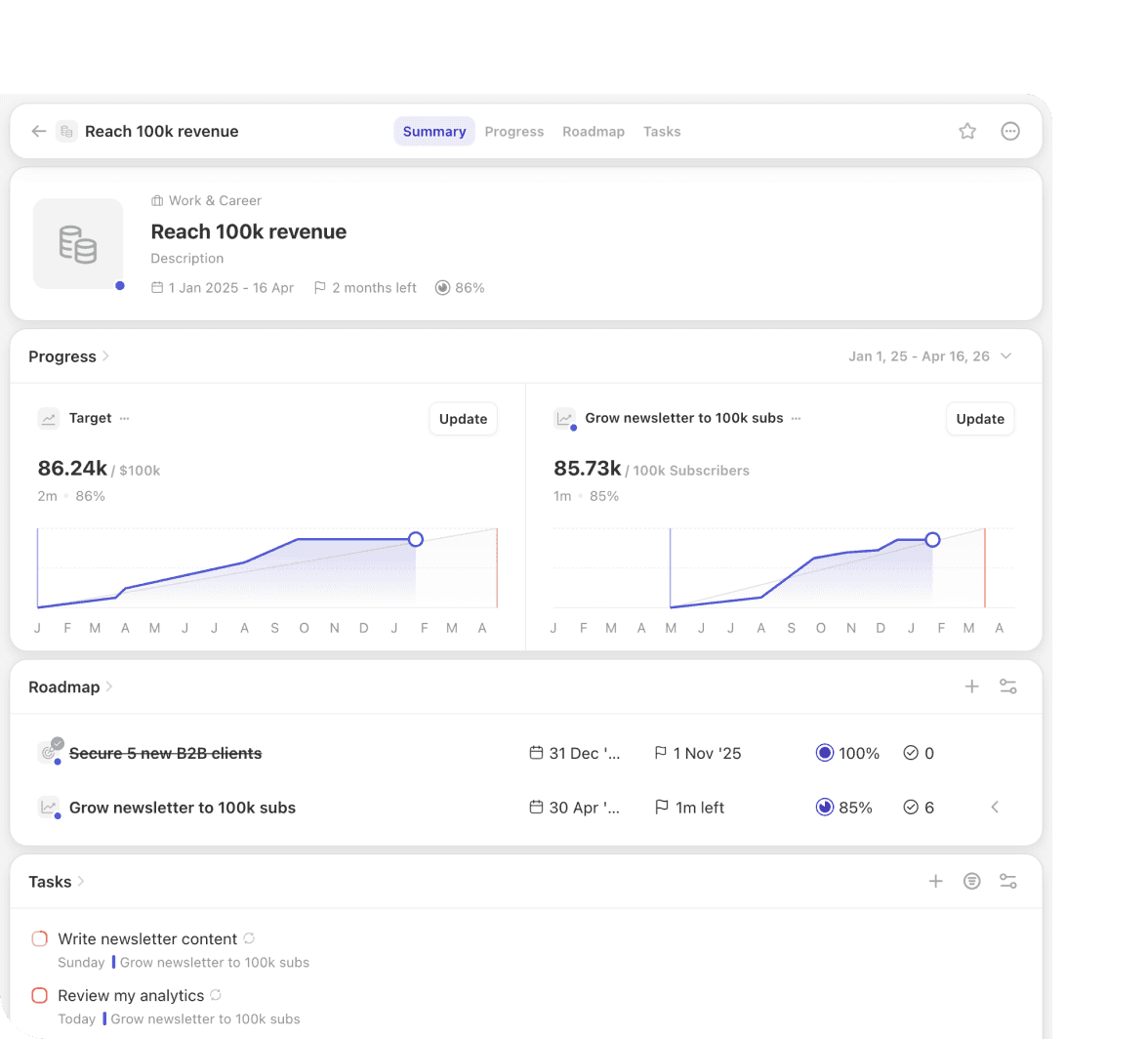
Don't just check a box. Track a number. Set a target (e.g., "$150k Revenue") and watch your progress bar fill based on outcomes.
Goal Timeline
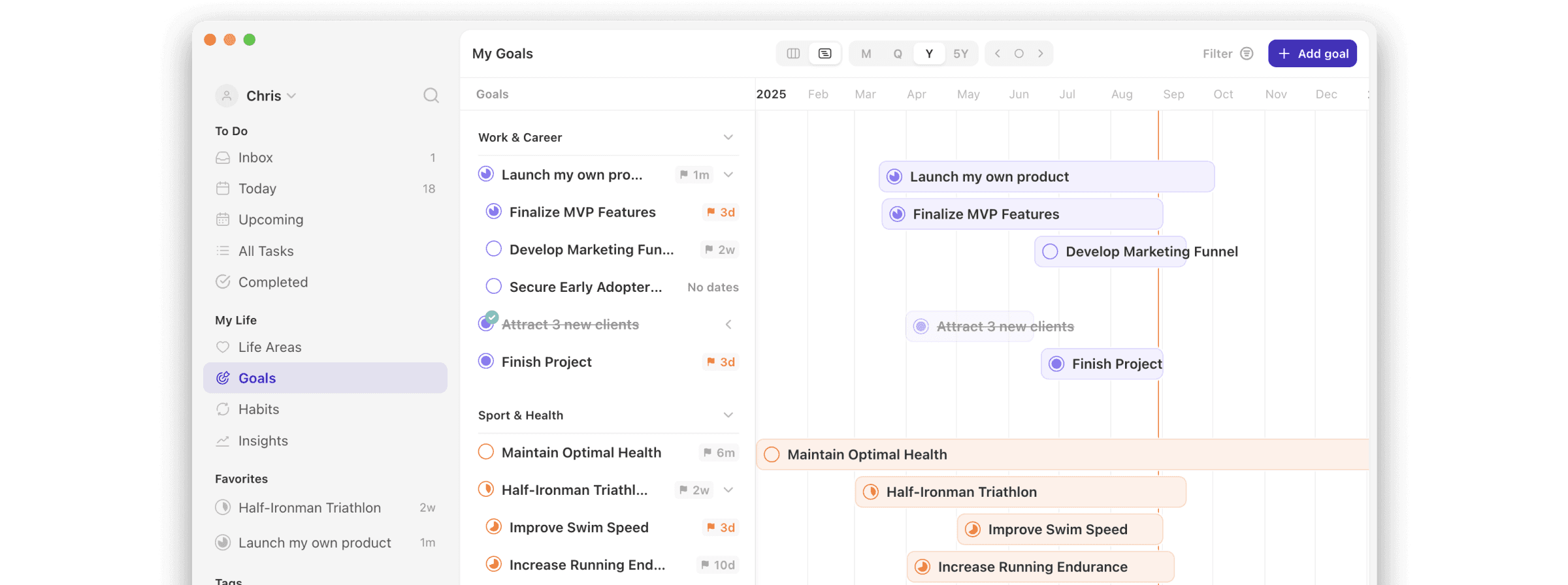
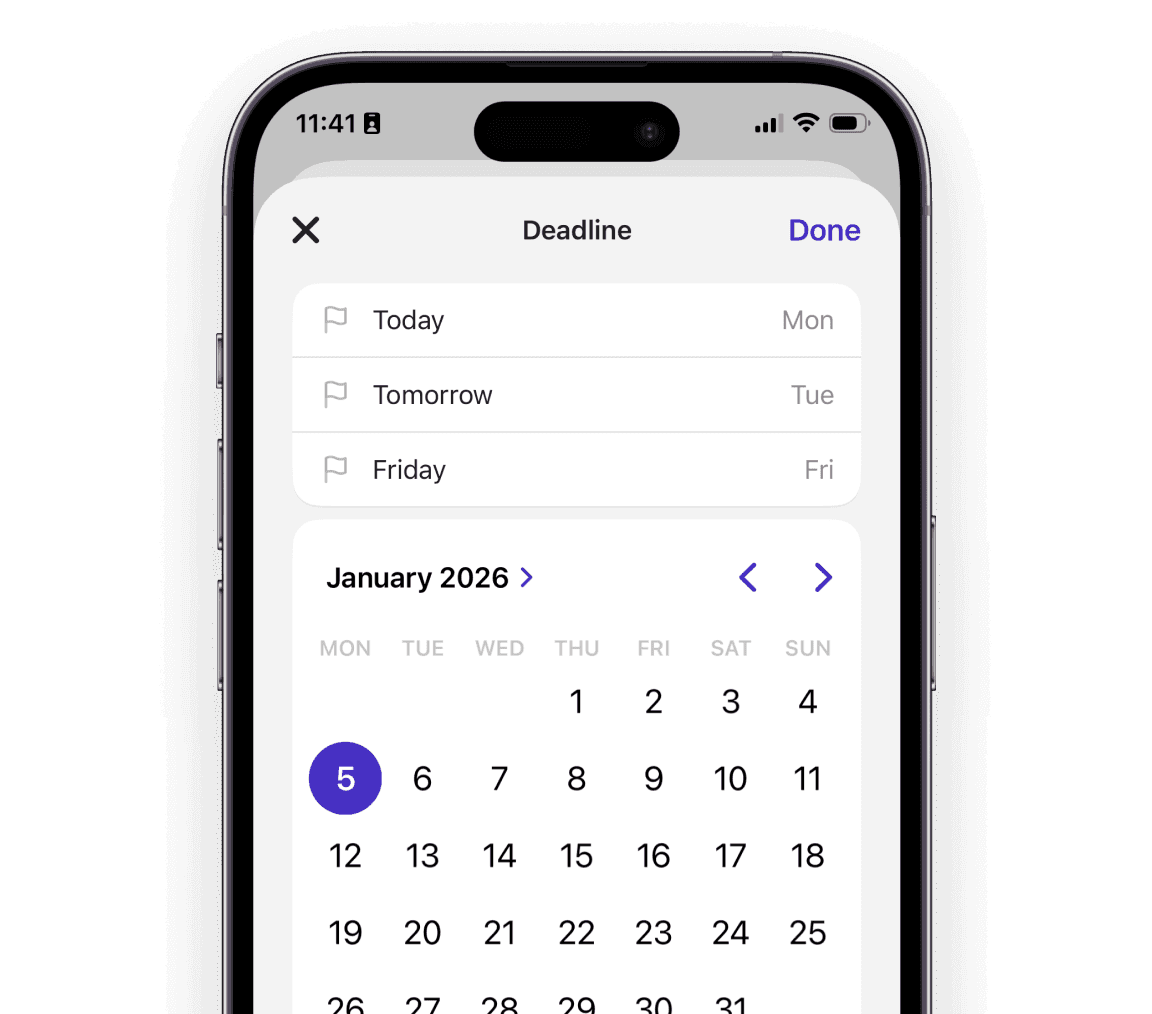
Use the timeline to plan Strategic Goals. Don't let your vision sit in a flat list without a deadline. Visualize exactly how your Q1 efforts unlock your Q3 results.
Corporation vs. Partnership
TickTick is notorious for its "Trust Gap." Their corporate structure is opaque, and users often struggle to get transparent support. At Griply, we are doubling down on Trust.


“I suggested a change to the Goal view in the community, and it shipped in the next update.”
- Andy
Can Griply replace TickTick for my daily task management?
Yes. You don’t need to keep TickTick for the "small stuff." For the vast majority of daily workflows, Griply is just as fast and fluid, with the added benefit of context.
How does the pricing compare?
Both paid plans cost $49.99 a year. Monthly, TickTick is $4.99. Griply Premium is $5.99 a month, both apps have a free plan, and Griply also sells a $149.99 Lifetime License, so you can pay once and keep it for life.
Does Griply have lists and folders?
Yes, but we structure them with purpose. Instead of generic "Folders," we have Life Areas (like Health or Career). Instead of flat "Lists," we have Goals. This hierarchy ensures that every list of tasks belongs to a bigger picture, allowing you to track progress in specific areas of your life rather than just managing a pile of files.
Does Griply have Natural Language Input (NLP)?
Yes. Just like in TickTick, you can type “Review marketing budget every Friday at 4pm” and Griply will instantly set the date, time, and recurrence.
TickTick has a Habit Tracker. How is Griply different?
TickTick tracks streaks. Griply tracks impact. In TickTick, a habit is just another checkbox to tick off. In Griply, habits are linked to Goals. You can see exactly how your daily "Reading Habit" contributes to your "Become a Thought Leader" goal. We focus on the outcome, not just the repetition.
Does Griply have a Pomodoro Timer?
It is a highly requested feature, and it is making its way to the top of our list. However, we don't have an ETA just yet. Why? Because we refuse to build a generic timer. When we build it, it will be linked to your Goals, allowing you to compare "Time Spent" vs. "Time Estimated." Until we can ship that deep integration, we recommend using a dedicated Pomodoro app alongside Griply.
Can I use Griply for work, or is it just for personal life?
Griply is designed for high-performers, so you definitely should use it for work projects and career goals. While we focus on your personal execution right now, Shared Goals and task assignments are next on our roadmap. We are building a way to collaborate without the clutter.

Griply
Ready to Stop Tinkering and Start Making Progress?
You have two options: Keep collecting features in a cluttered "all-in-one" app. Or choose a system designed to turn effort into outcomes.
Still deciding? Join our Community and ask the founders why they built Griply. We’re there every day.