

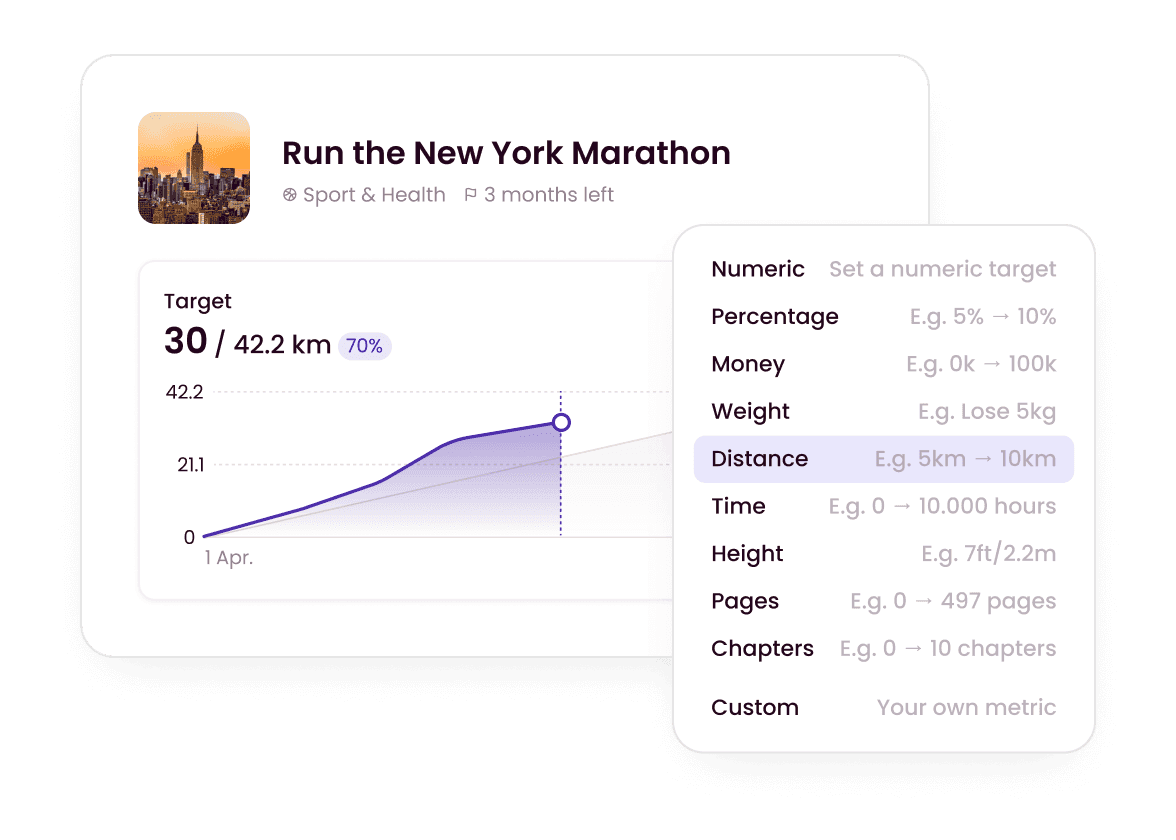
See real progress on your personal goals
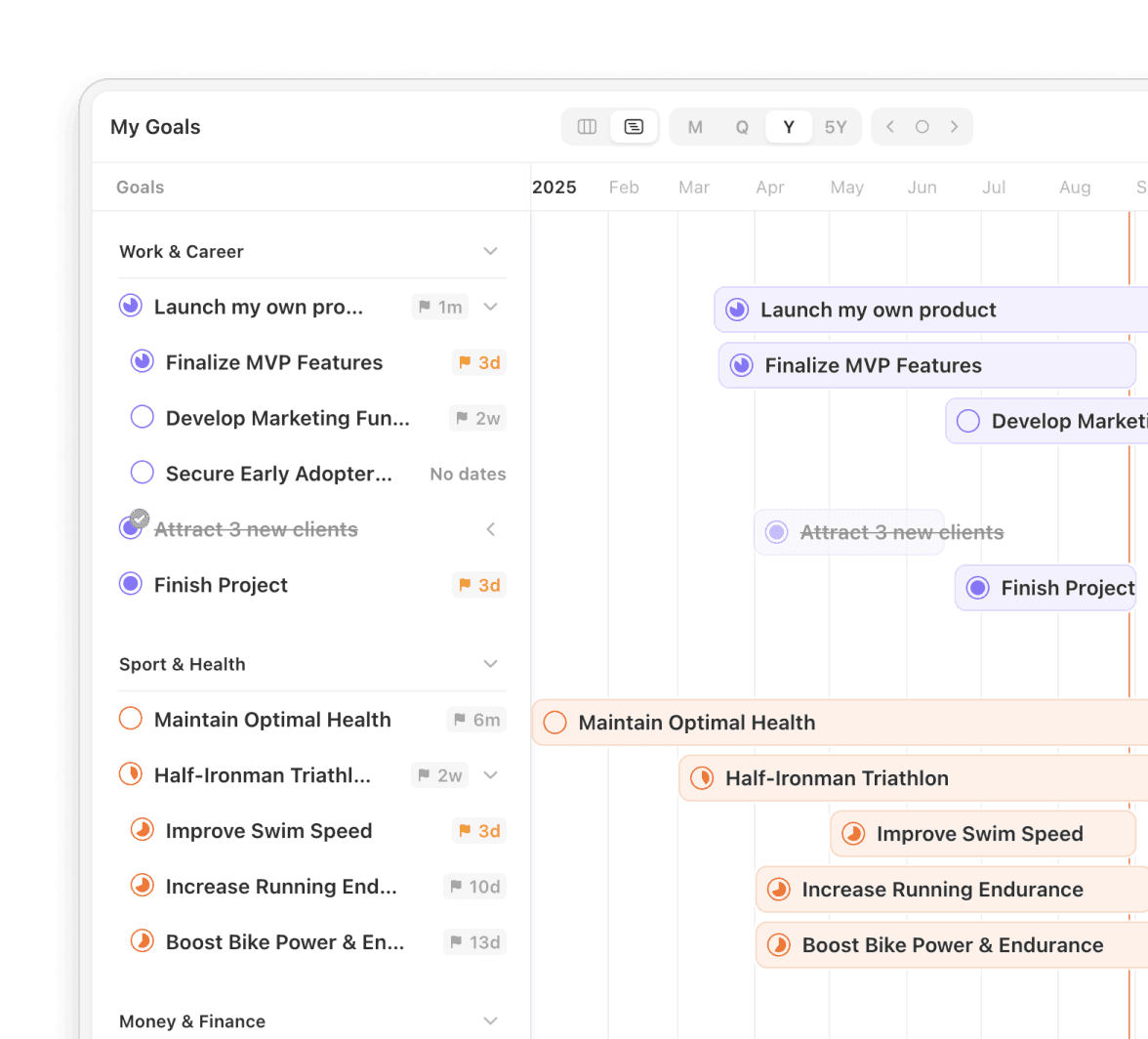
Every goal in Griply has a progress chart and roadmap timeline built in. In ClickUp, personal goals sit inside a project hierarchy built for teams.
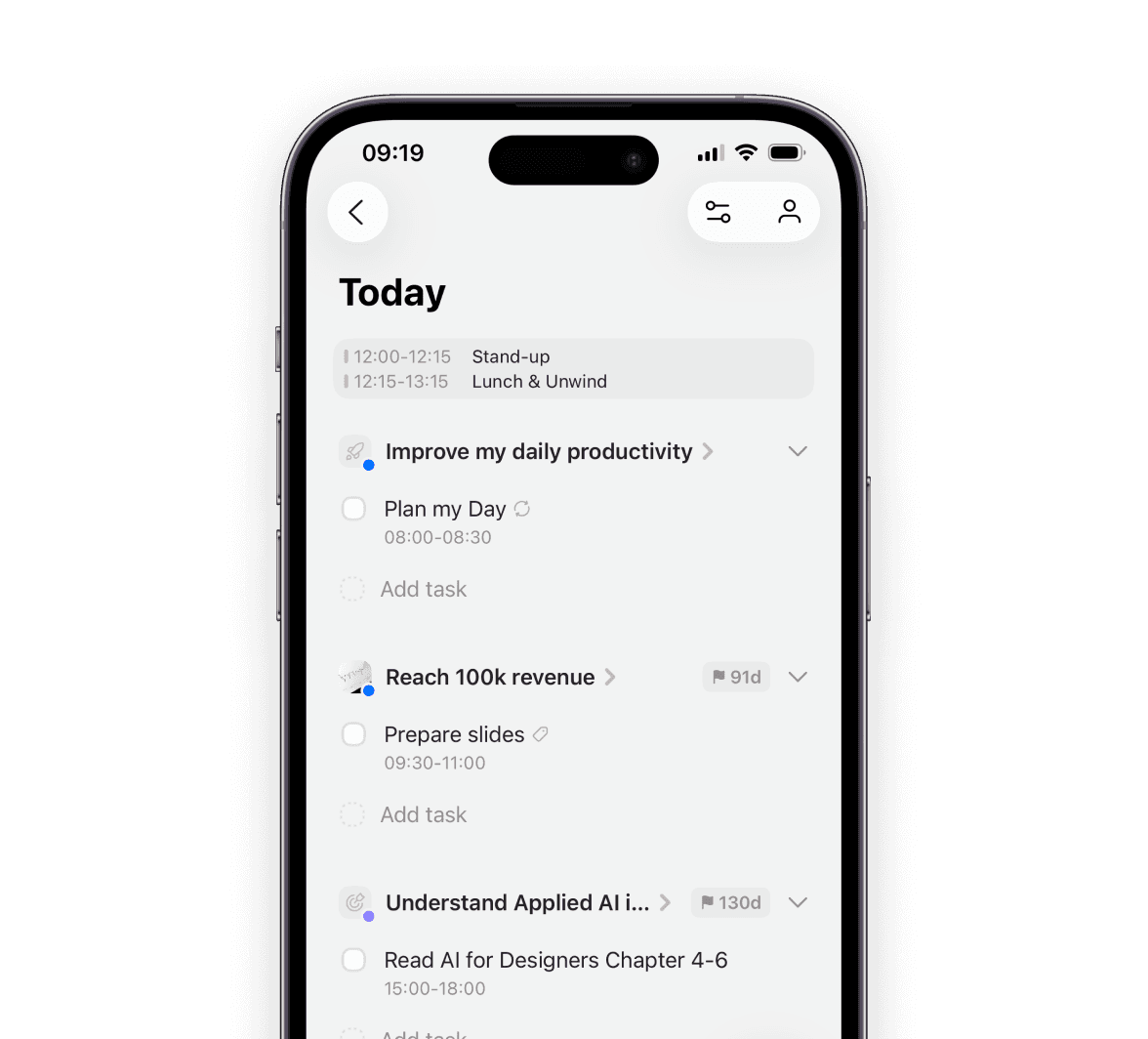
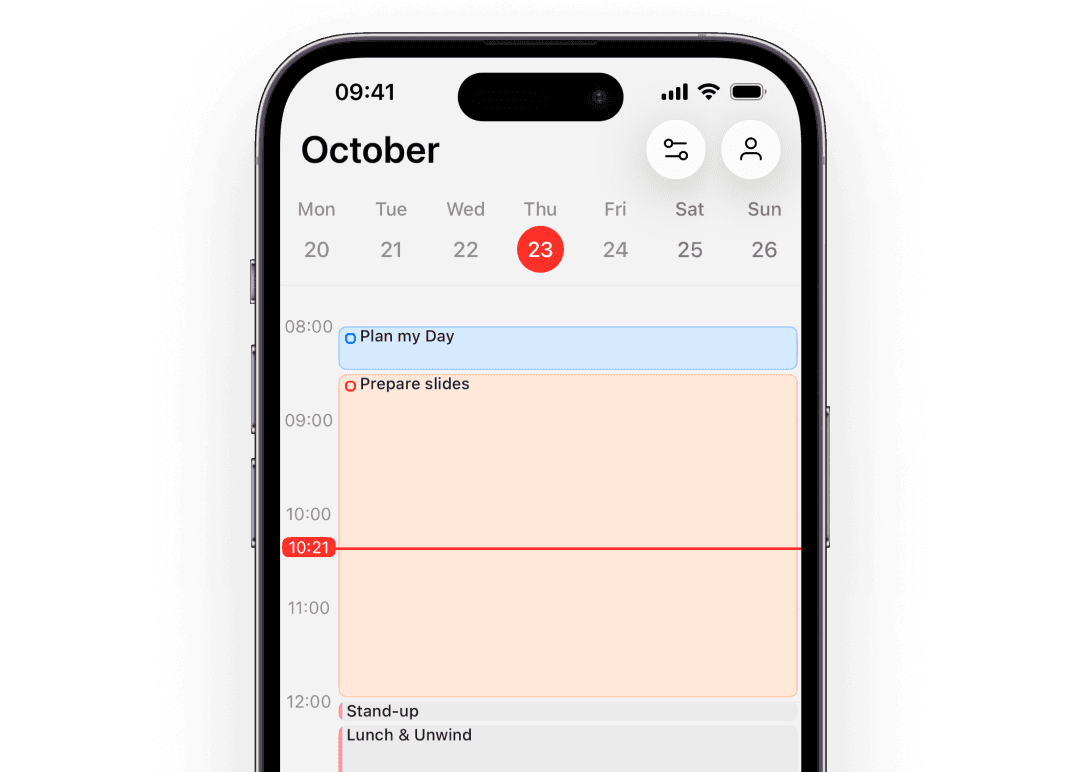
Plan your whole week from your phone
Griply's mobile app matches the full desktop experience, so you can review goals and plan your day from anywhere. ClickUp's mobile app is widely reported as slow and limited.
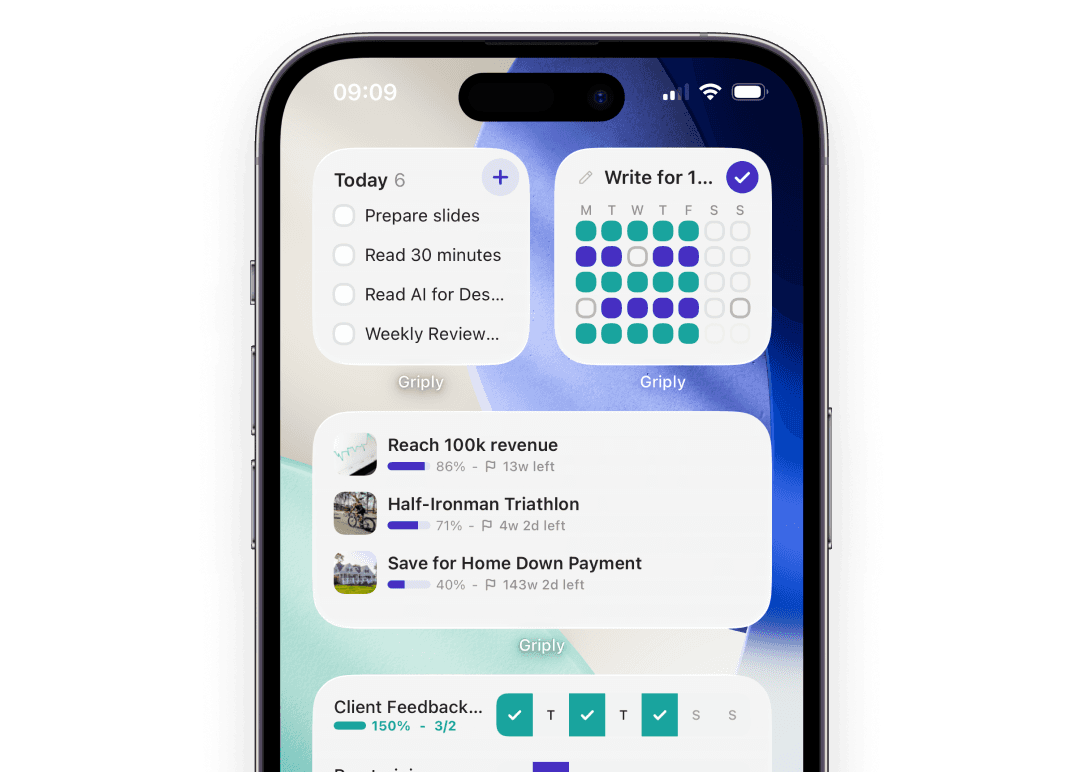
Habits that build toward your goals
Griply has native habit tracking connected to your goals, with home screen widgets. ClickUp has recurring tasks but no dedicated habit system with progress tracking or widgets.
Skip the configuration overhead
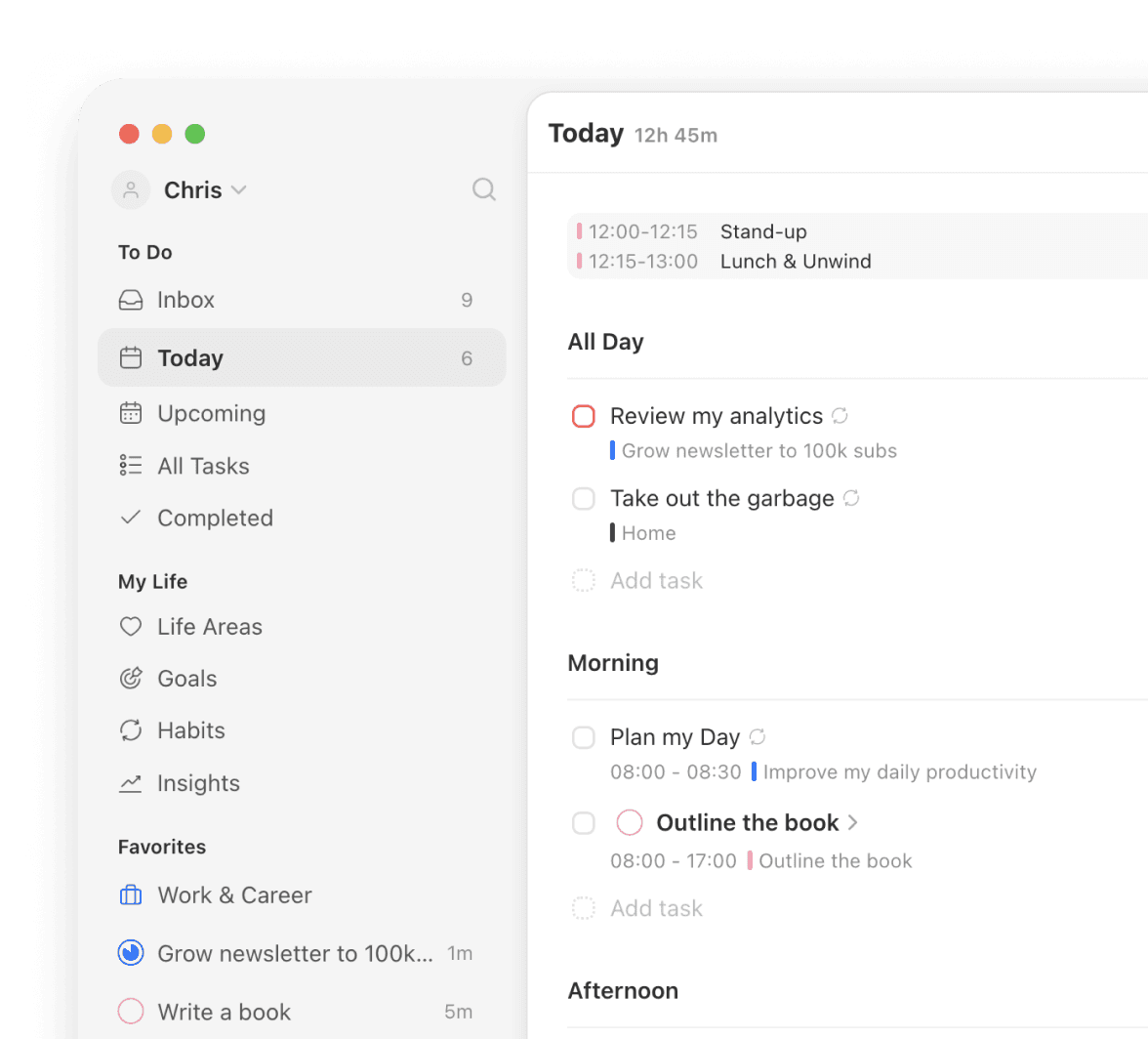
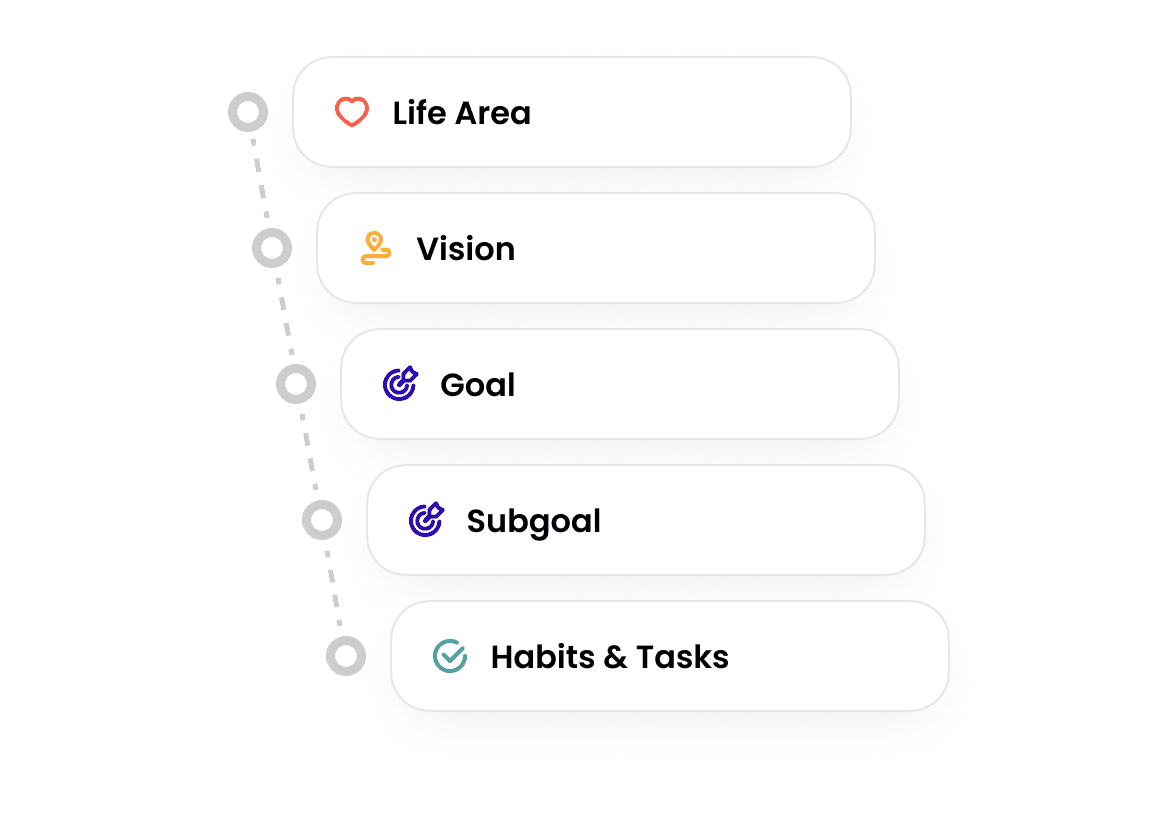
Griply's goal-first structure is ready from the moment you sign in. ClickUp power users describe spending hours on naming conventions, status schemas, and automation rules before the tool fits their workflow.
Is there anything better than ClickUp?
For team project management with docs, chat, and large workflows, ClickUp is a strong choice. For individuals who want daily work connected to personal goals, Griply is the better fit. Griply gives you a goal-first hierarchy where tasks trace back to life areas and a personal vision, which ClickUp's project-oriented structure isn't built to provide.
Why not use ClickUp?
The most common reasons are the learning curve, notification overload, and a mobile app users describe as difficult to use. ClickUp is also built for teams, so if you mainly want a personal planning system that connects your daily tasks to your goals, managing spaces, folders, and custom fields adds more friction than it removes.
Is ClickUp good for ADHD?
ClickUp is frequently reported as overwhelming for ADHD users. The density of features, constant notifications, and setup requirements can increase cognitive load. Griply's goal-first structure is more opinionated: the hierarchy is there from day one, and the rest of the interface stays clean. Many users find a focused, pre-structured system easier to maintain than a highly configurable one.
Which is better, ClickUp or Todoist?
They serve different purposes. Todoist captures tasks quickly with minimal friction. ClickUp manages complex team projects. Griply does something neither tool does: it starts with your vision and connects every daily task to a goal, so you always know whether you're working on the right things.
Can Griply replace ClickUp?
For personal goal tracking, daily planning, and habit building, yes. ClickUp is built for team project management with docs, chat, and multi-person coordination, which Griply does not try to replace. For your own goals and daily execution, Griply is the focused system.
Is Griply a free ClickUp alternative?
Griply has a free plan you can start with today. Premium is $5.99 a month or $49.99 a year for unlimited goals and habits. If you prefer to pay once, there is a Lifetime option at $149.99. For personal goal planning, the free plan covers your first goals at no cost.
What is the difference between ClickUp and Griply?
ClickUp is a team productivity platform built around projects, tasks, docs, and chat. Griply is a personal strategic planning system built around goals, life areas, and daily execution. In ClickUp, tasks belong to projects. In Griply, tasks belong to goals. If the question you want your planner to answer is "am I making progress on what matters to me?", Griply is built for that. ClickUp is built to answer "is the project on track?"

Griply
Ready to connect your daily work to your goals?
You have two paths. Keep managing team projects in ClickUp while your personal goals stay disconnected from your daily tasks. Or start with a goal-first planner that connects every task to your vision from the moment you sign in.
Still deciding? Join our Community and ask the founders why they built Griply. We’re there every day.