
Effortless Capture
Capture Tasks with Purpose and Speed
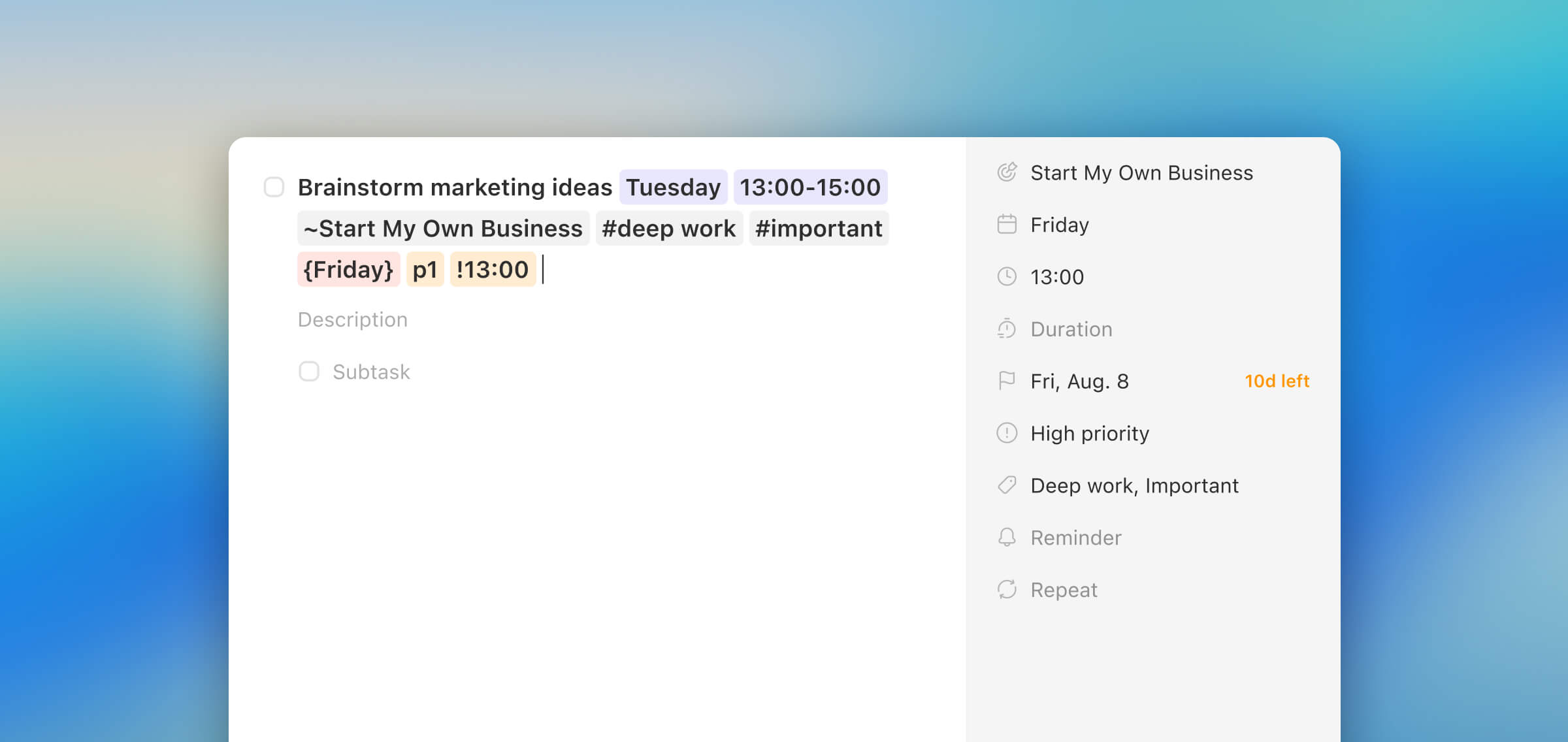
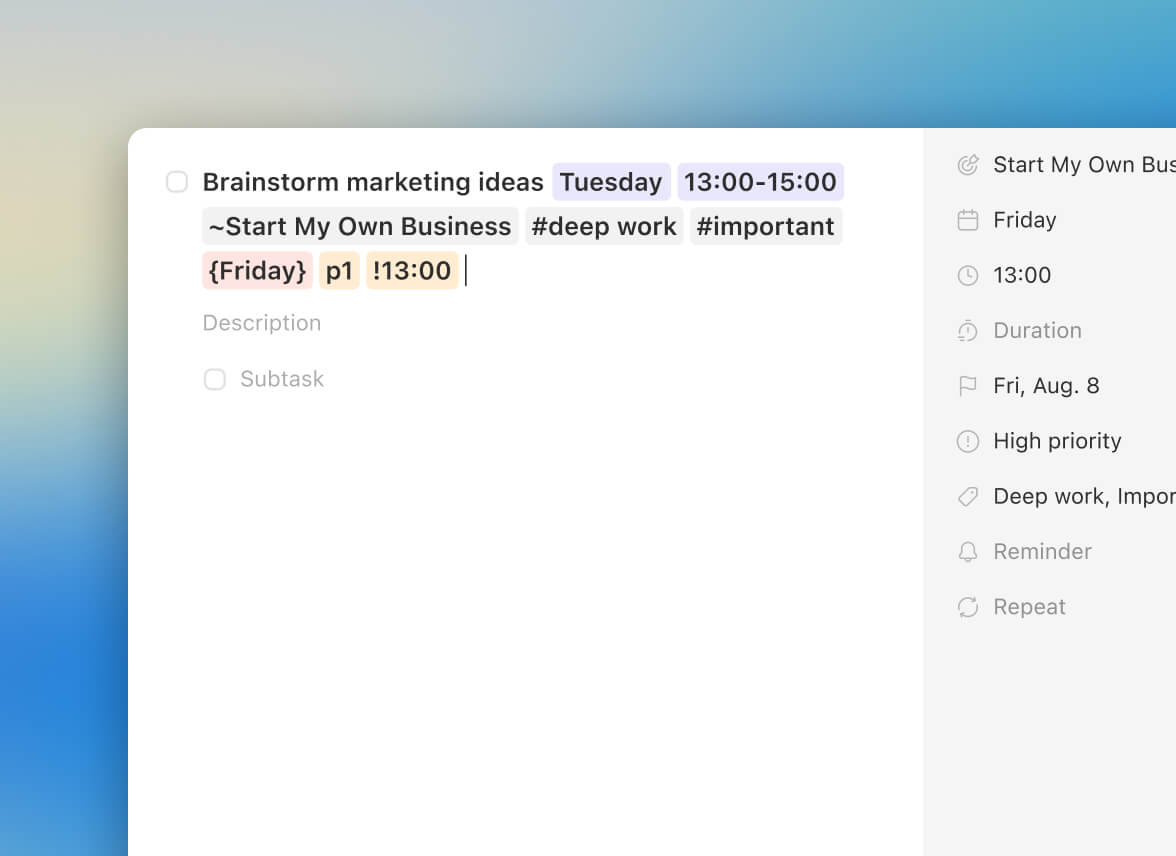
Task Smart Recognition uses plain English to capture tasks purpose-first. Instantly link the task to its core Goal or Life Area, while also setting the due date, time, and tag.
A Full-Powered Toolkit
All the Power You Need, to Execute Your Goals
A Goal-First philosophy doesn't mean “lite” features. This is a pro-level toolset built to handle your entire workflow, seamlessly integrated into an uncluttered interface.

Griply
Stop Managing Tasks. Start Achieving Goals.
A simple checklist just tells you what's next. A Goal-First task manager tells you what's important. Stop the busyness and start making real, measurable progress on your goals.
Avg. 4.8 Store Rating
Explore the Connected System


What is the Action-Purpose Gap and how does Griply solve it?
The Action-Purpose Gap is the demotivating feeling that your daily work is disconnected from your long-term goals. Griply solves this by operating on a Goal-First premise: every task must have purpose, and no task is added until its Why (Goal or Life Area) is assigned.
How are tasks different in a Goal-First task manager?
In Griply, tasks are not just items on a list; their "Why" is their DNA. Most tasks are created directly when you break down (sub)goals, ensuring alignment is the origin of every action, not an afterthought or tag you add later.
Does the task manager include standard features like subtasks and priorities?
Yes. Griply provides a Full-Powered Toolkit with all the "table stakes" features you demand. These include: Subtasks, Priorities (P1-P4), Tags & Grouping, Recurring Tasks, Deadlines, Duration, and Reminders.
Can I use Griply to manage personal tasks alongside work tasks?
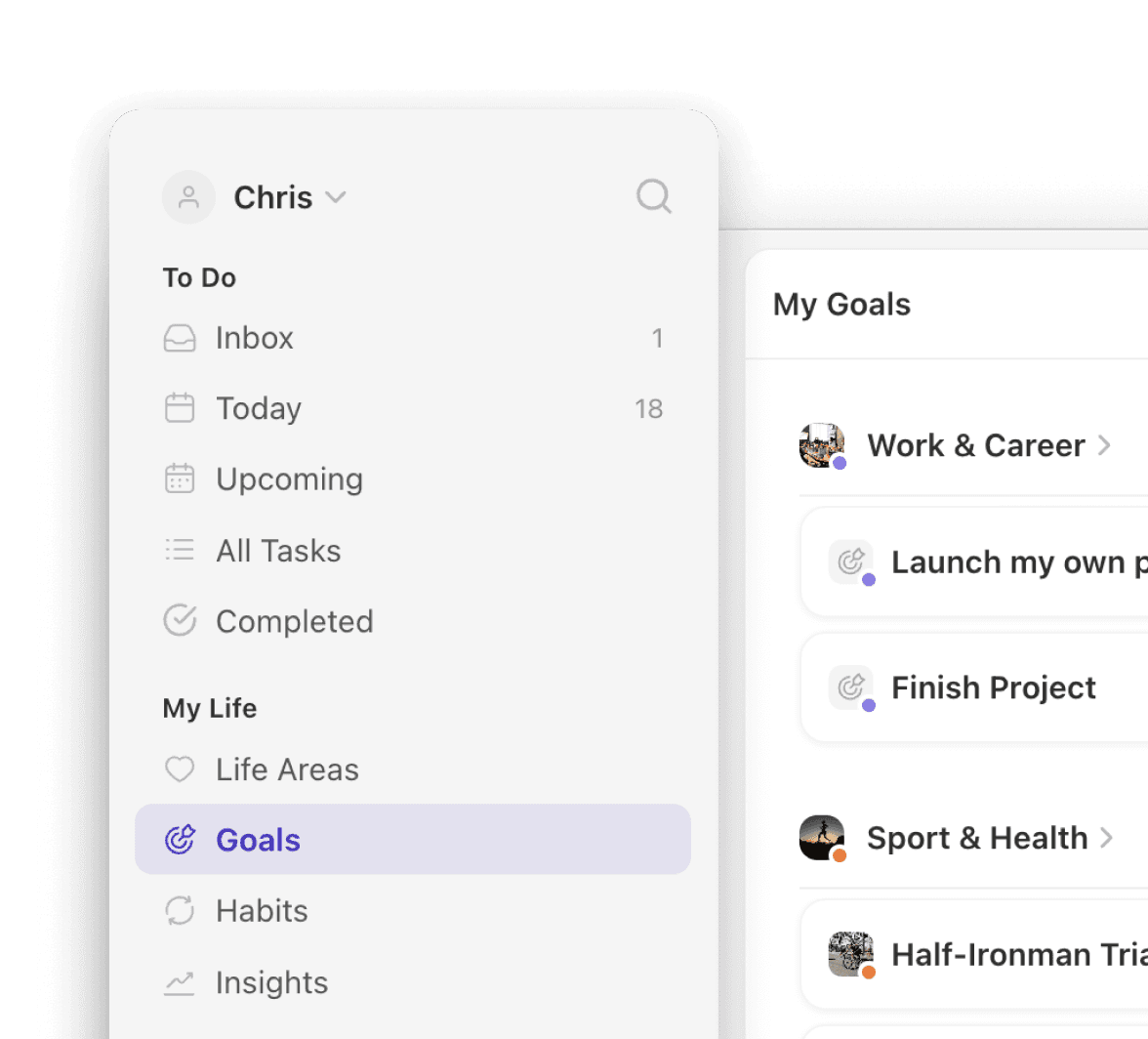
Yes, absolutely. Griply is explicitly designed for your whole life, every area. We provide a dedicated Work & Career Life Area, alongside areas for every other aspect of your life. This framework allows you to manage personal tasks, professional goals, and their alignment within one unified system.
Can I organize my tasks by project or client?
Yes. Griply’s structure allows for deep organization beyond standard tags. You can create goals per client and break them down into subgoals per client project. The system automatically groups tasks under these structures, giving you powerful project-based clarity.
Does Griply offer any advanced goal breakdown or project tracking features?
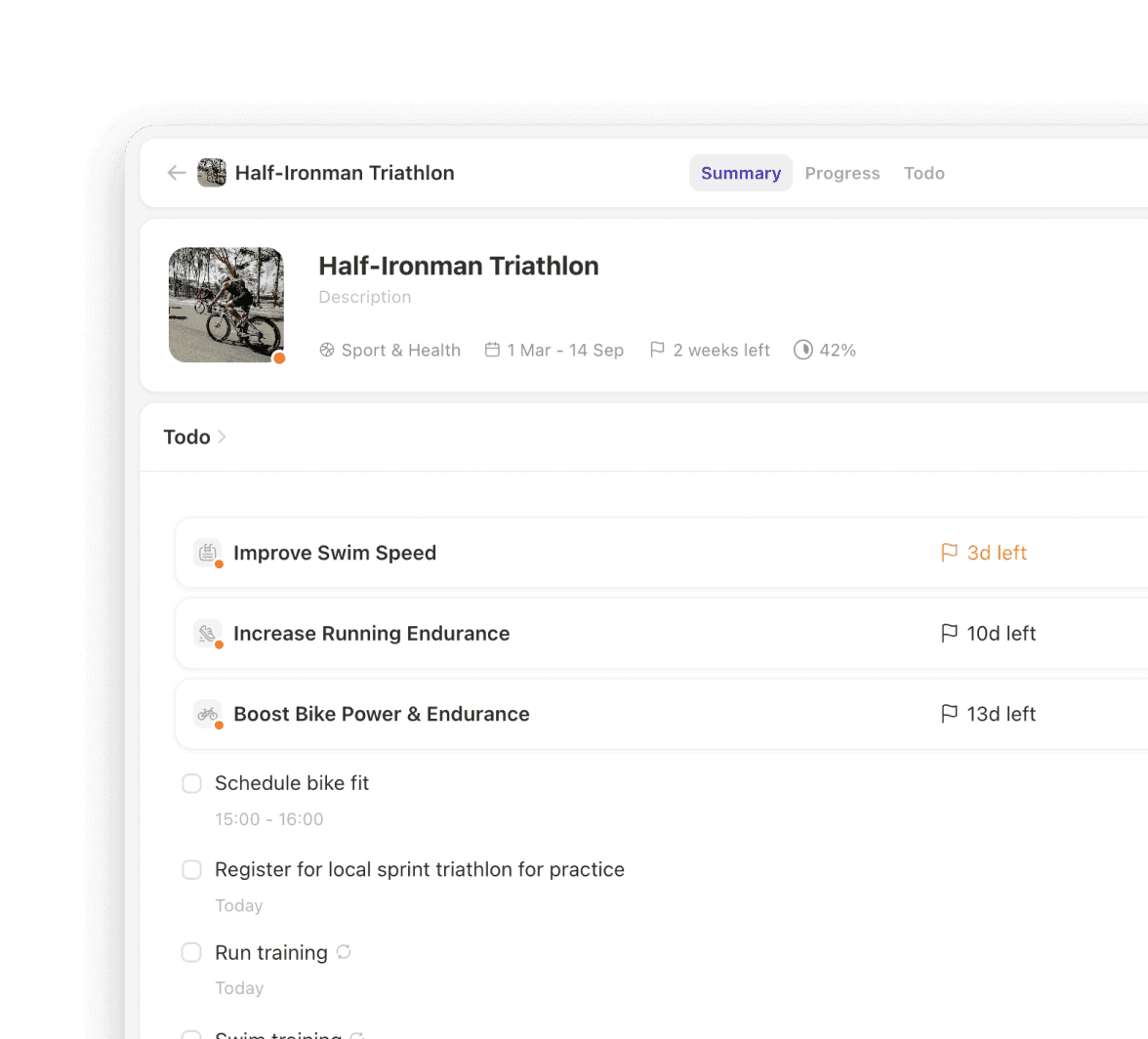
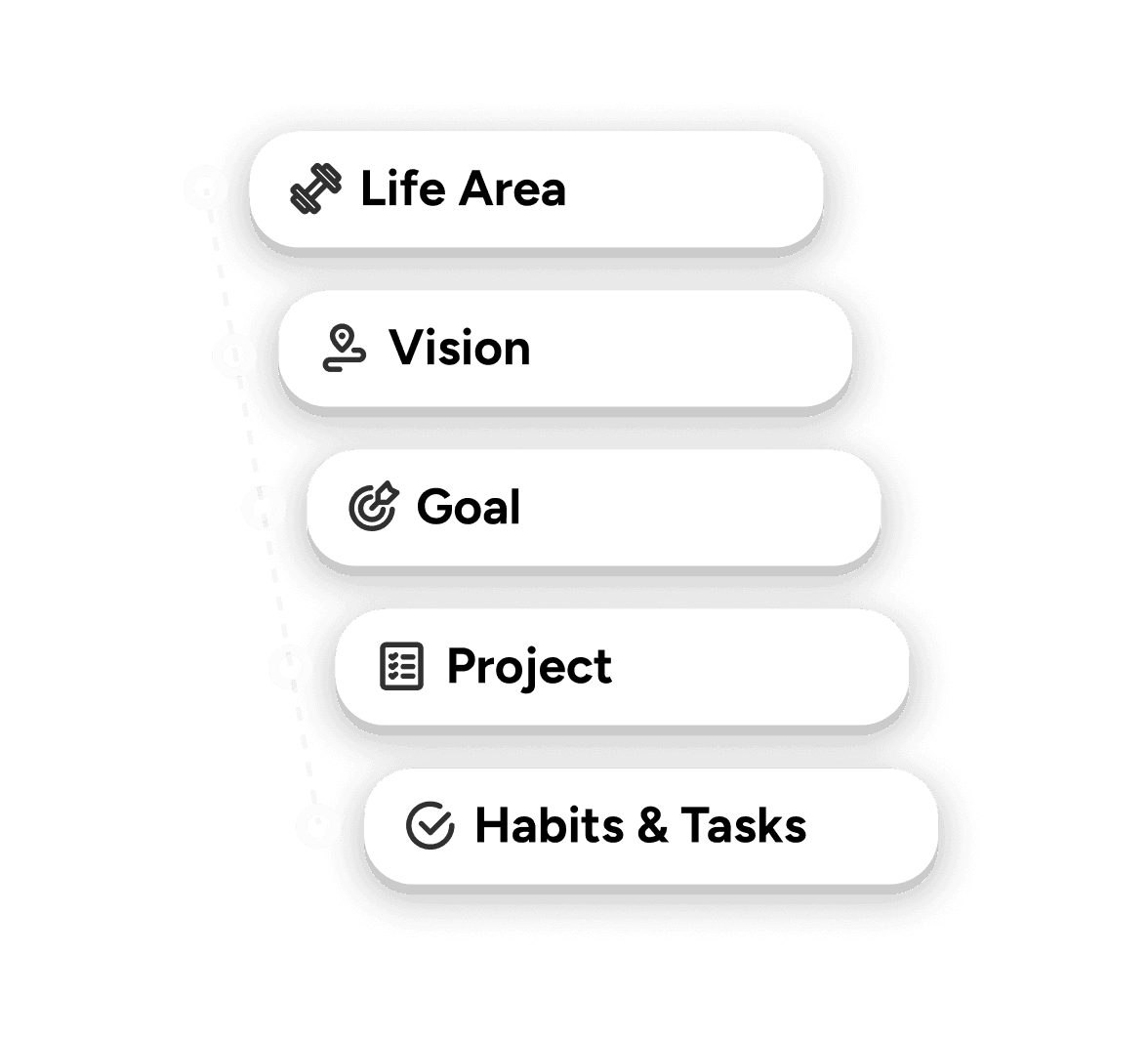
Yes. Griply offers robust features essential for advanced tracking. Our system uses Subgoals to create a clear project roadmap from high-level vision to daily action. Additionally, Success Metrics are important for project tracking as they allow you to define and track real, measurable progress against your project goals, not just completion status.
How can I capture tasks quickly anywhere on my computer?
You can use CMD + SPACE to open the system-wide task dialog and instantly capture tasks from any window, ensuring you can log thoughts at the speed of thought.
Can I see my tasks laid out on a calendar?
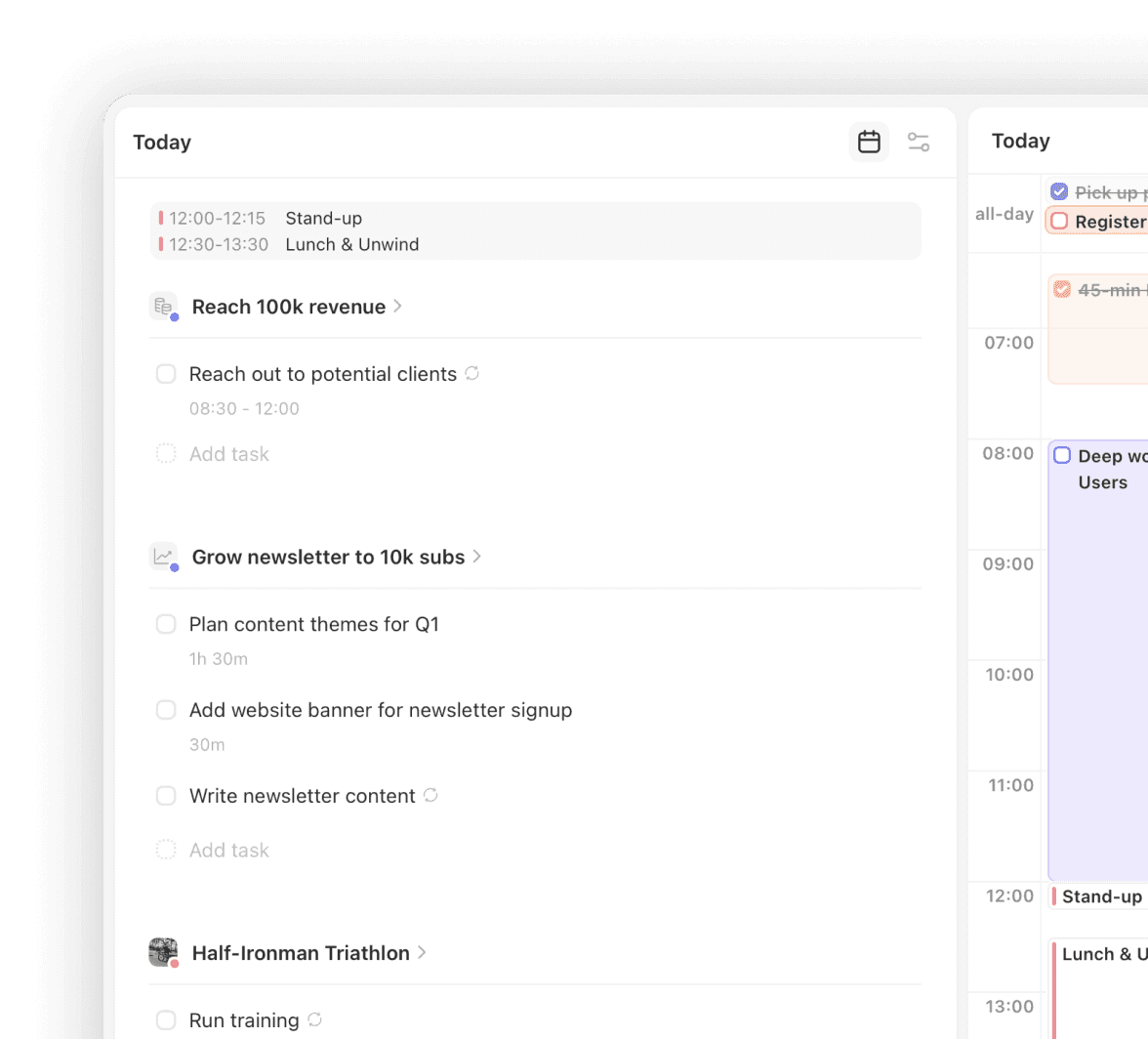
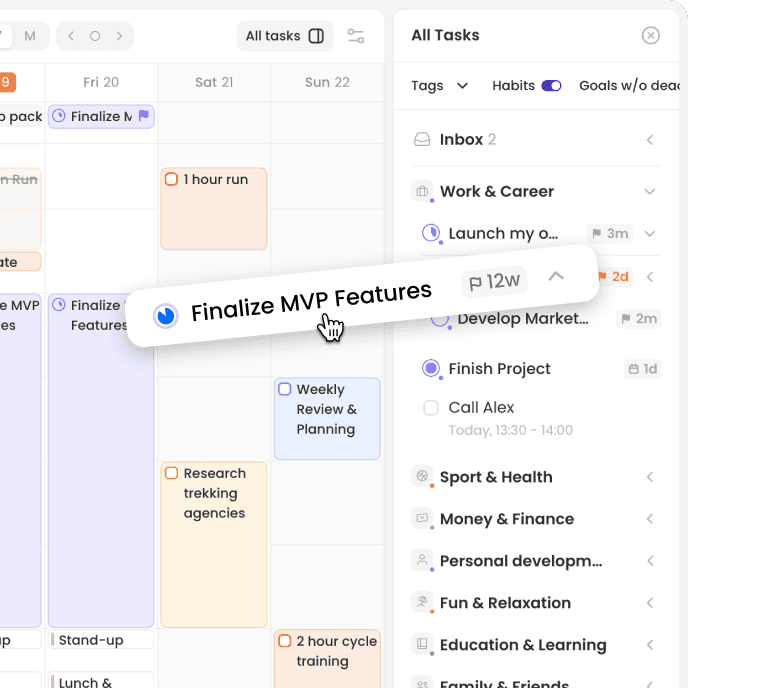
Yes. Griply offers Calendar Views that allow you to see your tasks laid out on a daily, weekly, or monthly calendar, integrating your schedule with your execution plan.
Does the Task Manager offer advanced organization features
Yes. You can organize your tasks by goal (project), context, or life area (theme) using Tags, Sections & Grouping. The system also allows for quick capture of initial thoughts using the Inbox, which you can sort later for purpose.
How does Griply help me stop tinkering with my tools?
Griply's integrated, uncluttered interface is designed to achieve your goals. It provides a structured path, not a blank sandbox, which helps you stop building the tool and start achieving your outcomes.