Getting the Apps
Griply is available on Mac, Windows, iPhone, iPad (via web), and in any browser. Everything stays in sync across devices, so you’re always up to date, whether you’re planning your week on your laptop or checking off a habit on the go.
Mac App
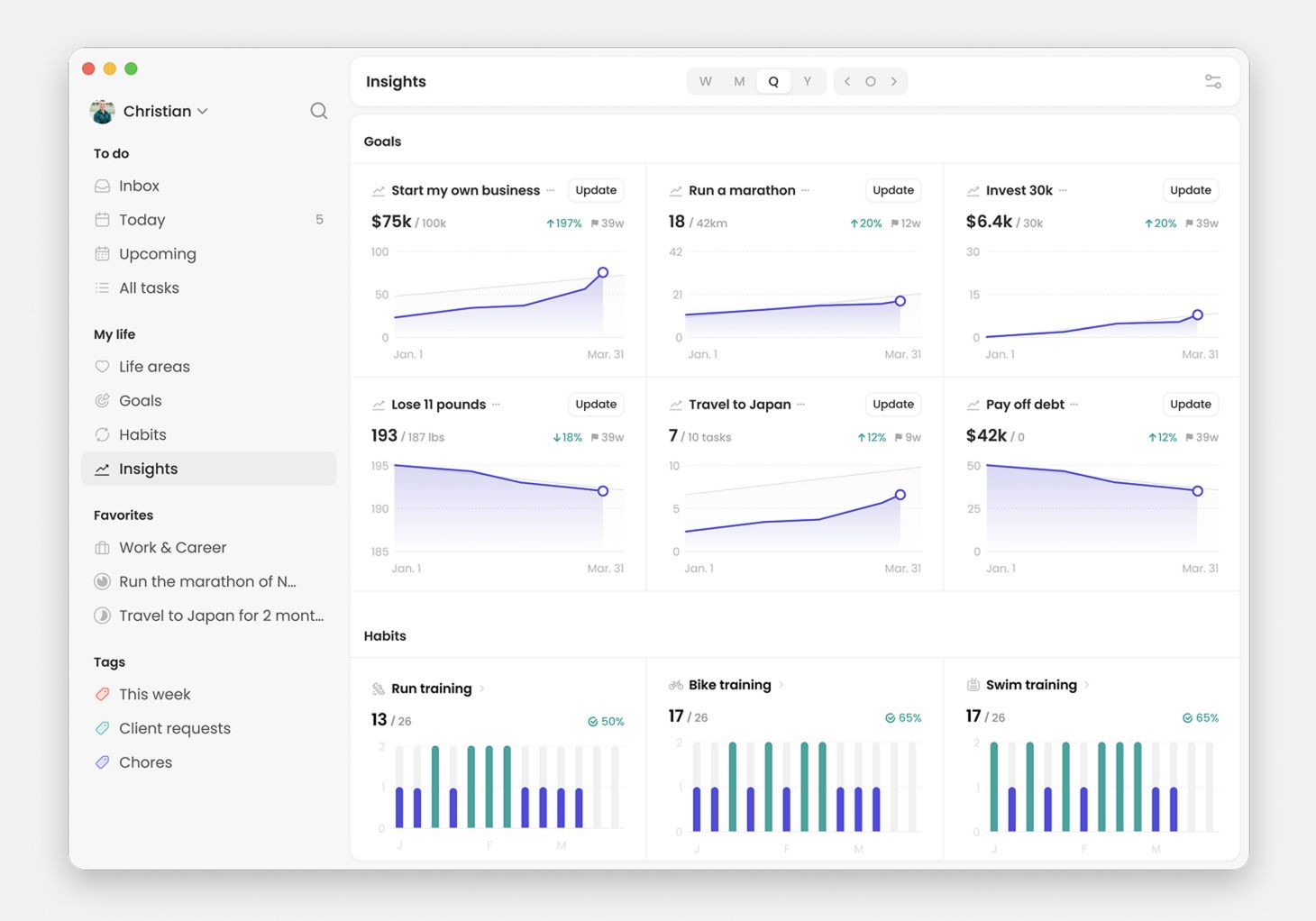
Perfect for deep planning sessions, weekly reviews, or focused goal setting.
Download → Griply for Mac
Windows App
A full-featured, native app for planning and tracking on desktop.
Download → Griply for Windows
Web App
Access Griply from any browser, no install needed.
Open → app.griply.app
Same features as the desktop apps
iPhone App
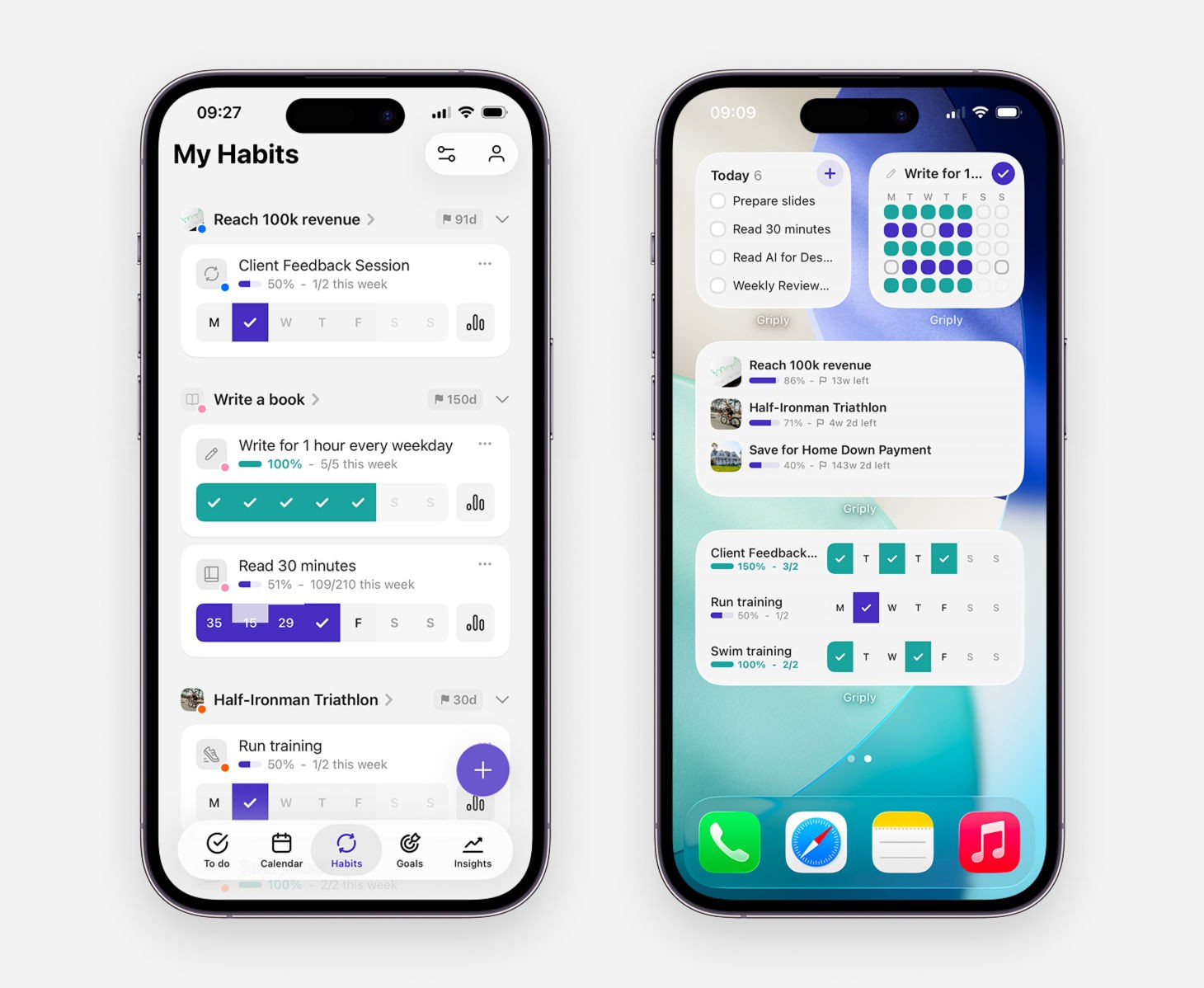
Your day-to-day companion for tasks, habits, and reflection.
Download → Griply on the App Store
Includes widgets, calendar view, and syncing
Tip: Add the Goal, To-Do and/or Habit widget to your Home Screen for instant visibility.
iPad (web version for now)
A native iPad app isn’t available yet, but you can still use Griply in Safari.
To install it as a web app:
Open app.griply.app in Safari on your iPad
Tap the share icon (the square with an arrow)
Choose “Add to Home Screen”
This gives you a standalone version that opens like a native app.
A dedicated iPad app is planned for the future.
Android
The same app as on iPhone: tasks, habits, goals, and calendar, syncing across all your devices.
Download → Griply on Google Play
Includes the Today widget, an Add task button for the Control center (Quick Settings), and sharing links or text from other apps straight into a new task
Tip: Add the Today widget to your home screen to tick off tasks and habits without opening the app.
Syncing
Everything you do in Griply syncs automatically across all devices. No setup needed, just sign in.
If something looks out of sync, it’s often due to being logged into a different account or needing a quick refresh.
Continue Reading
Didn’t find what you were looking for? We’re here to help! You can contact us anytime or ask your question in one of our communities.
